
Video Guides
Watch & learn Blueticks
Short, no-fluff walkthroughs of everything from scheduling your first message to launching a campaign. Each guide is available in English, Português, and Español.
Getting Started
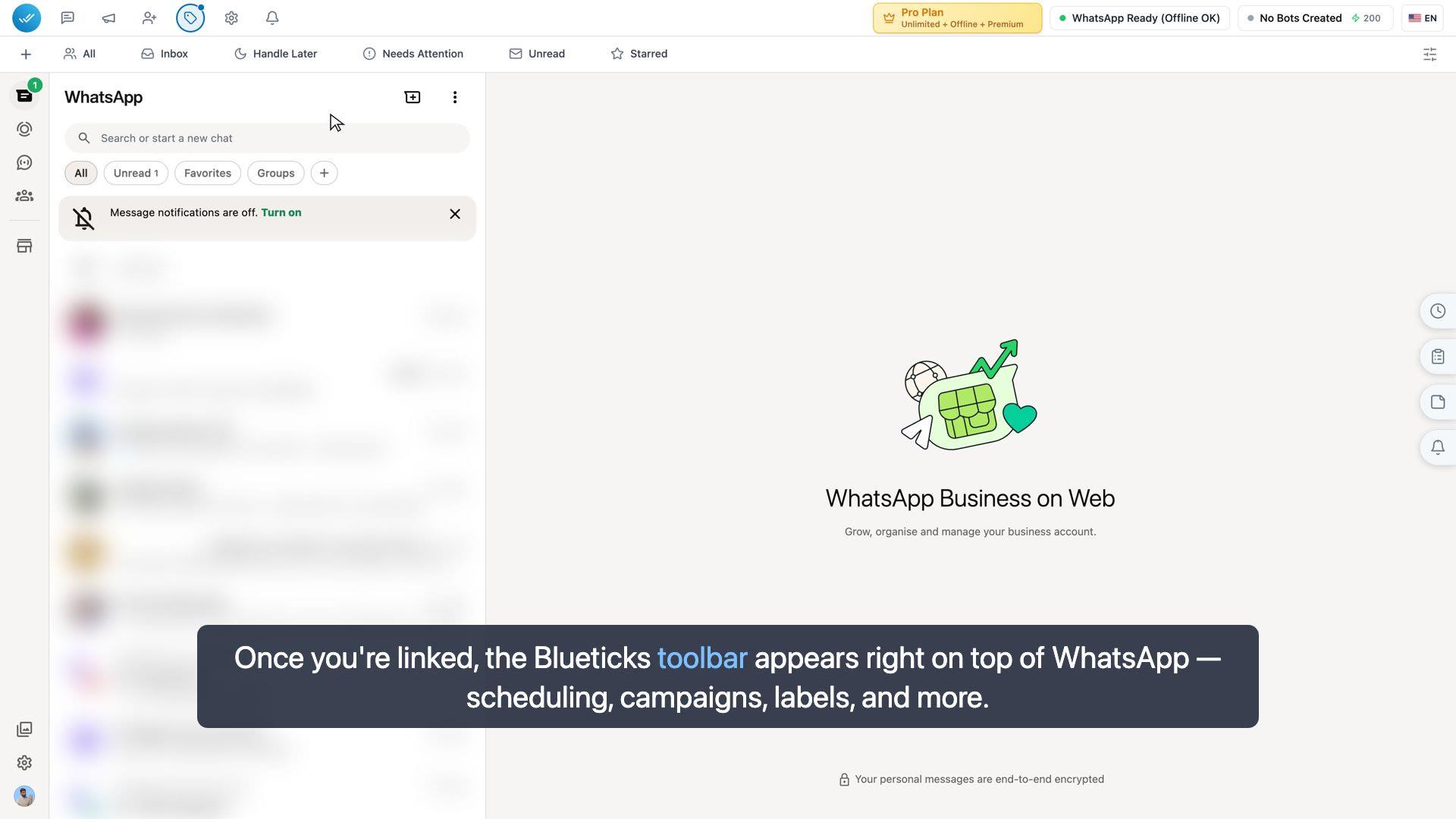
Getting started — install & connect WhatsApp
Install the Blueticks extension, link WhatsApp Web, and schedule your first message — all in a couple of minutes.
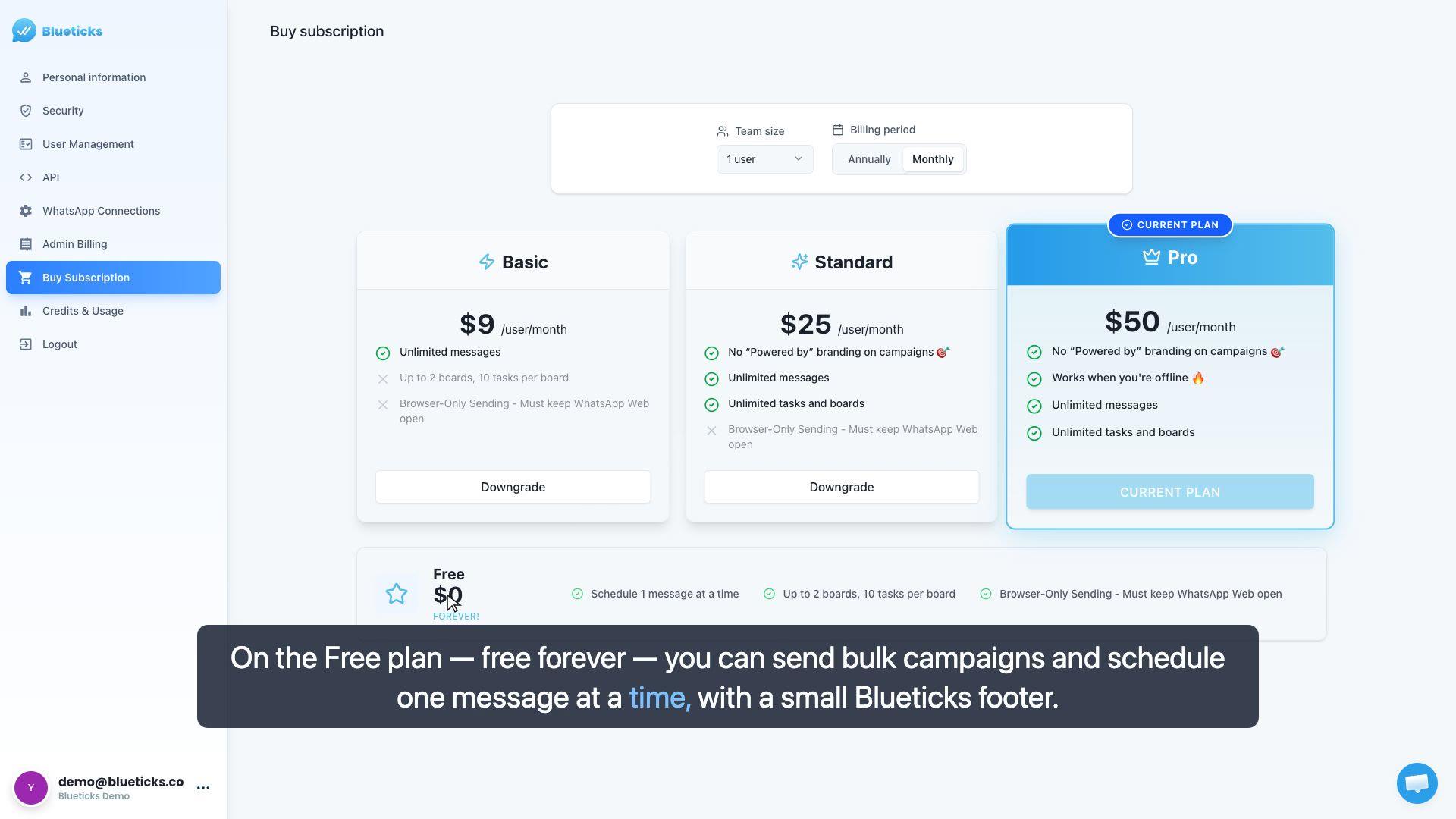
Free vs Pro — what you get
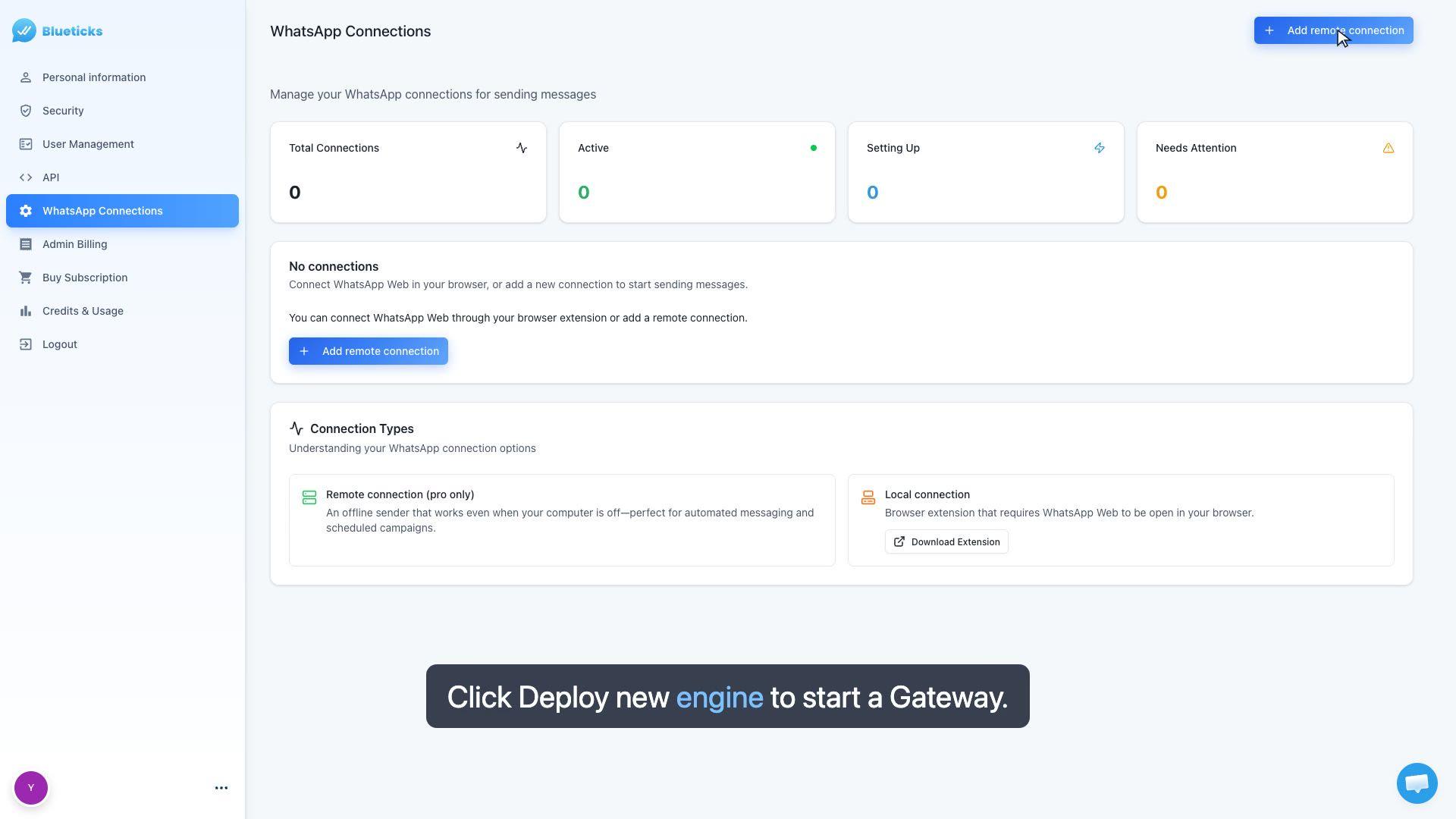
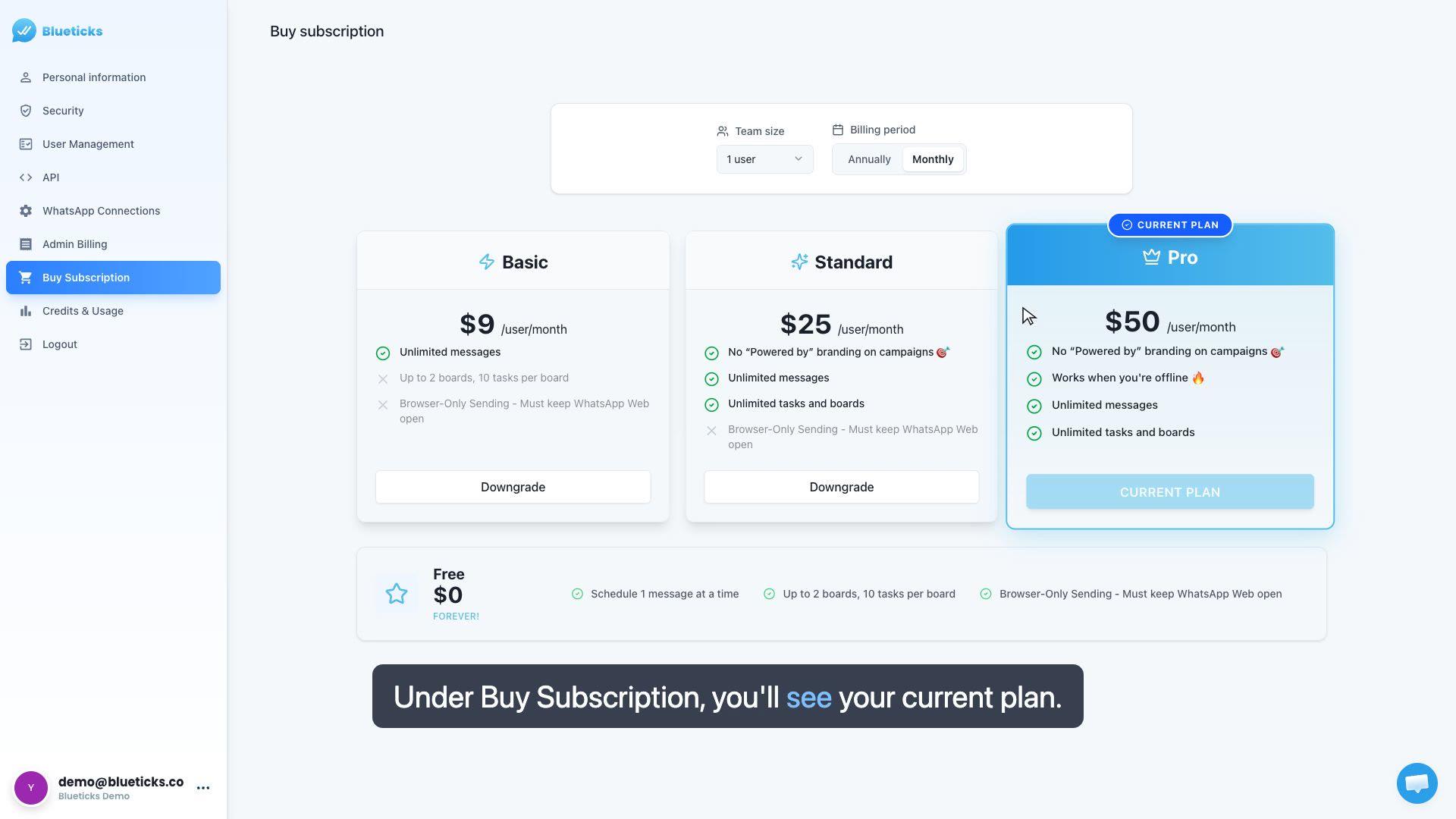
A quick tour of what the Free plan includes and what Pro unlocks: offline sending, no branding, and unlimited scheduling, tasks, and boards.
Scheduling
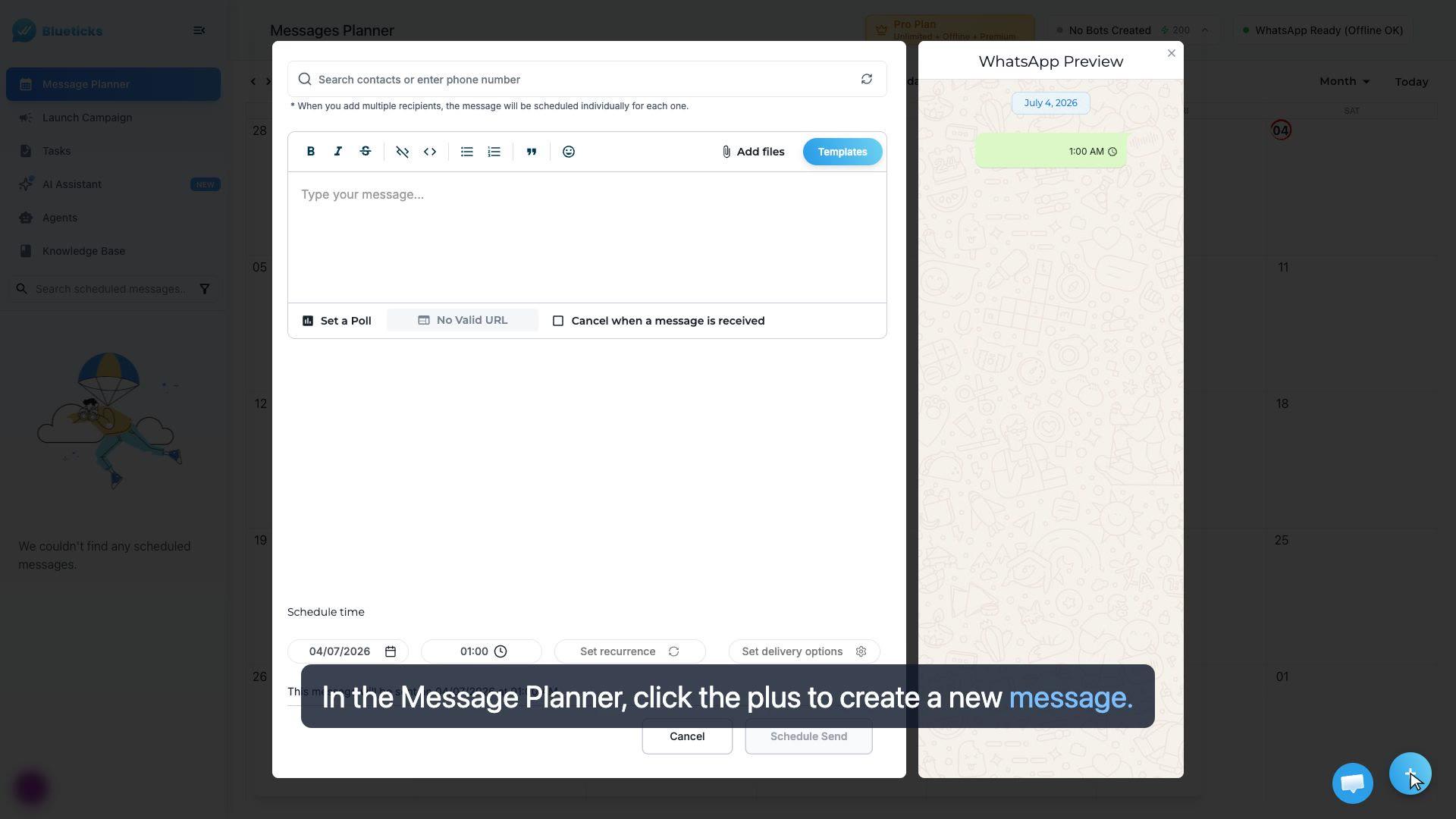
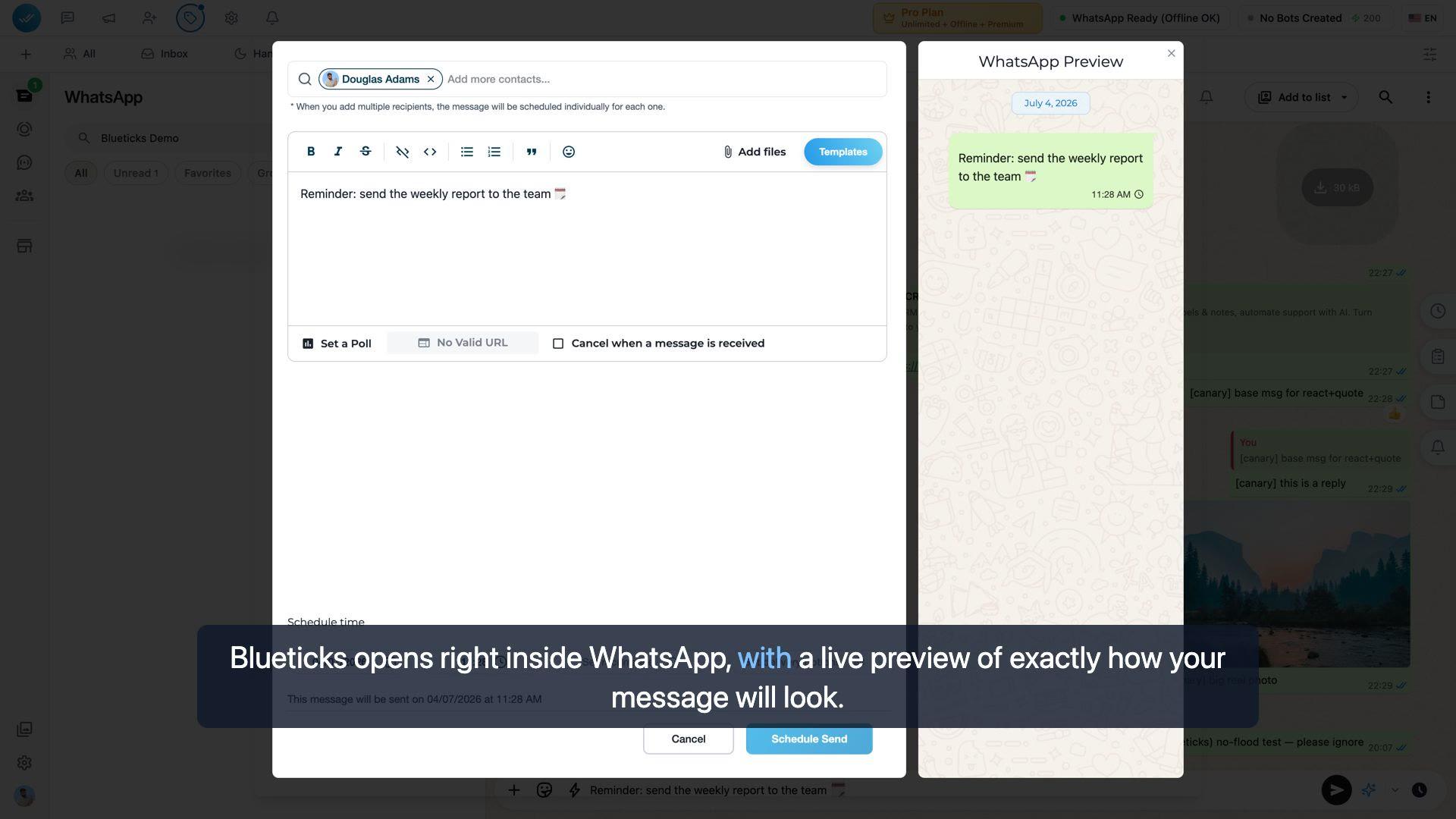
Campaigns
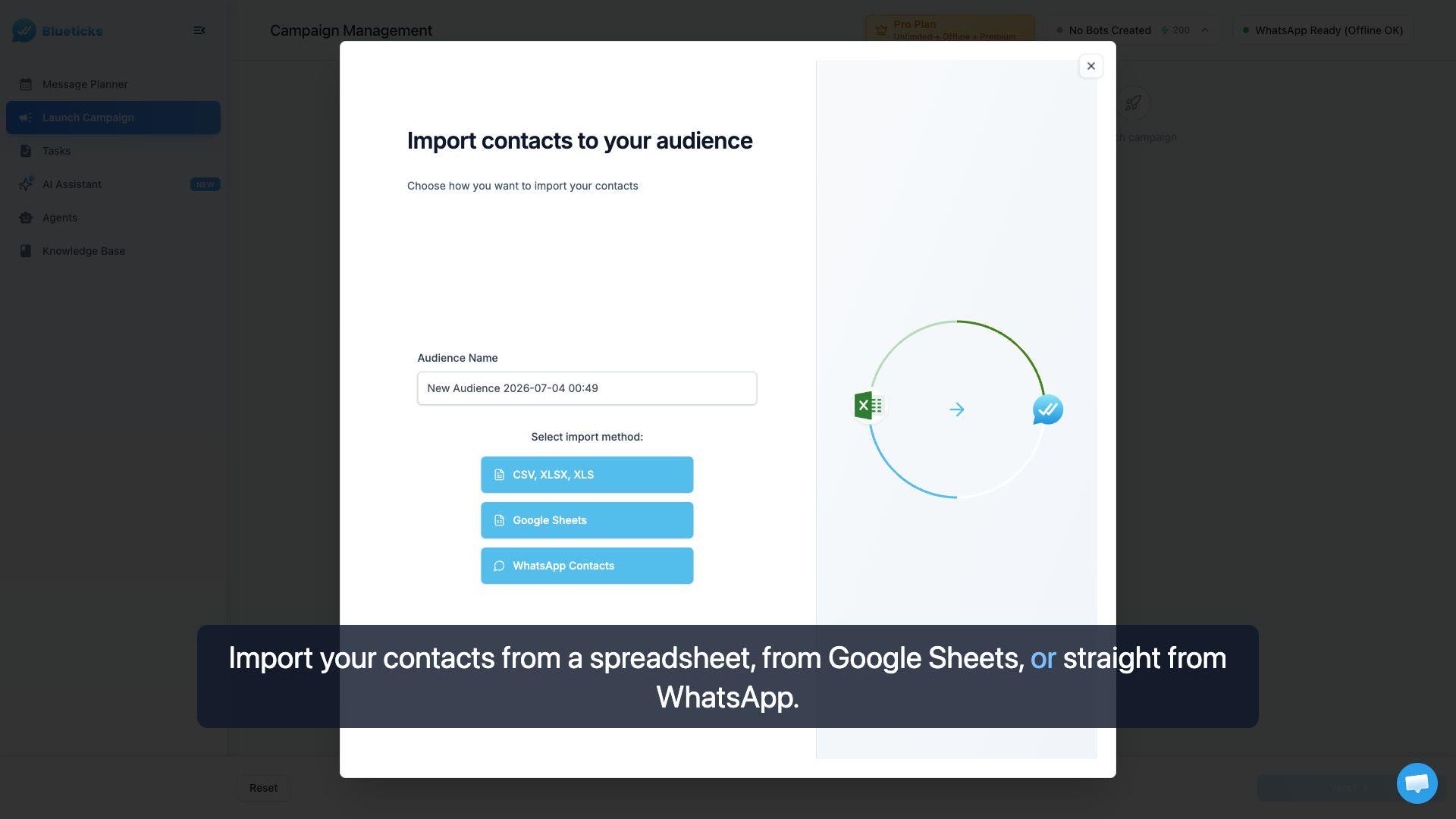
Launch a WhatsApp campaign
Send one message to your whole list. Import your contacts, write your message, and launch it from the dashboard.
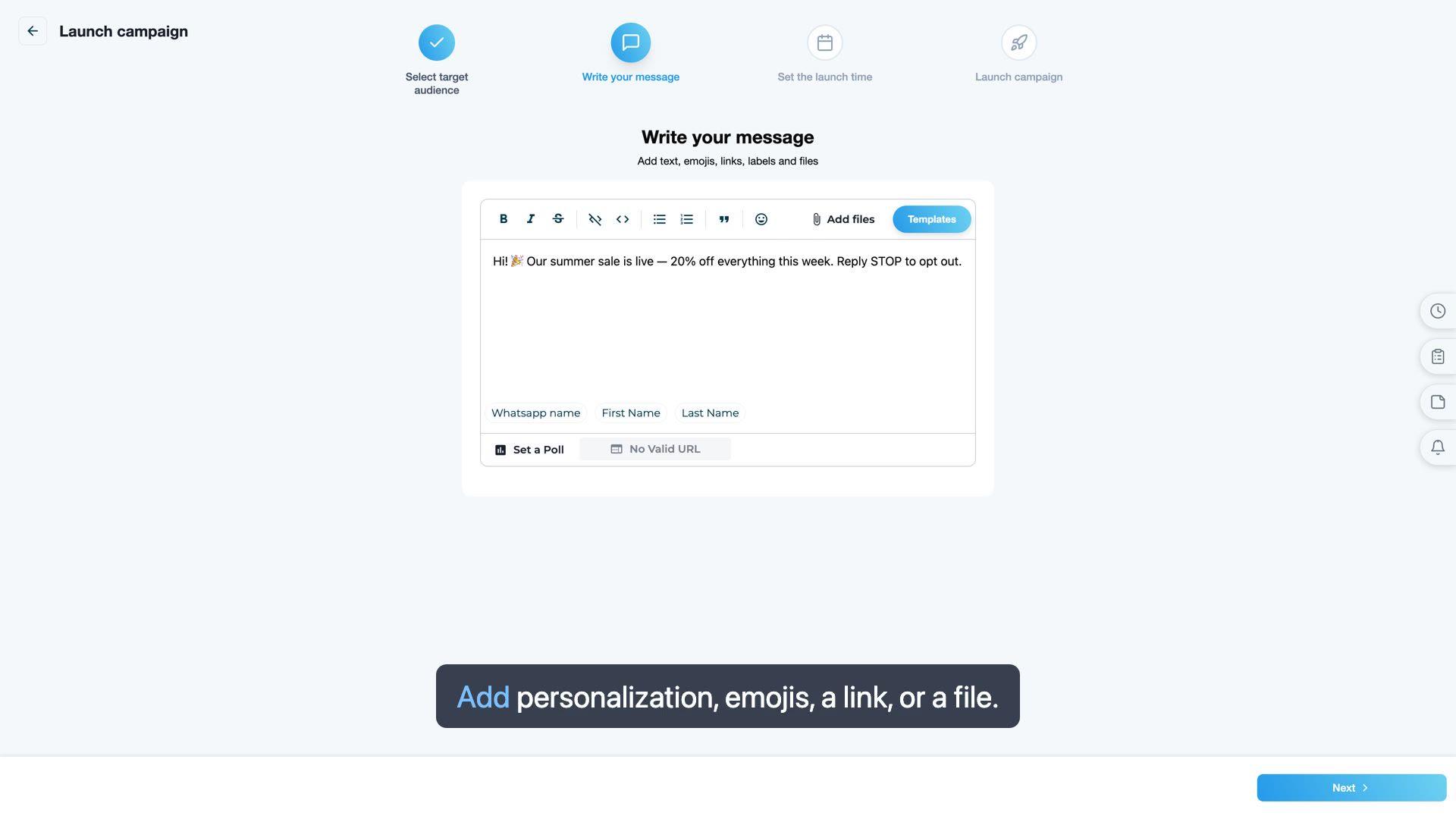
Launch a campaign from WhatsApp Web
Reach your whole list with a campaign, launched right inside WhatsApp Web with the Blueticks extension.
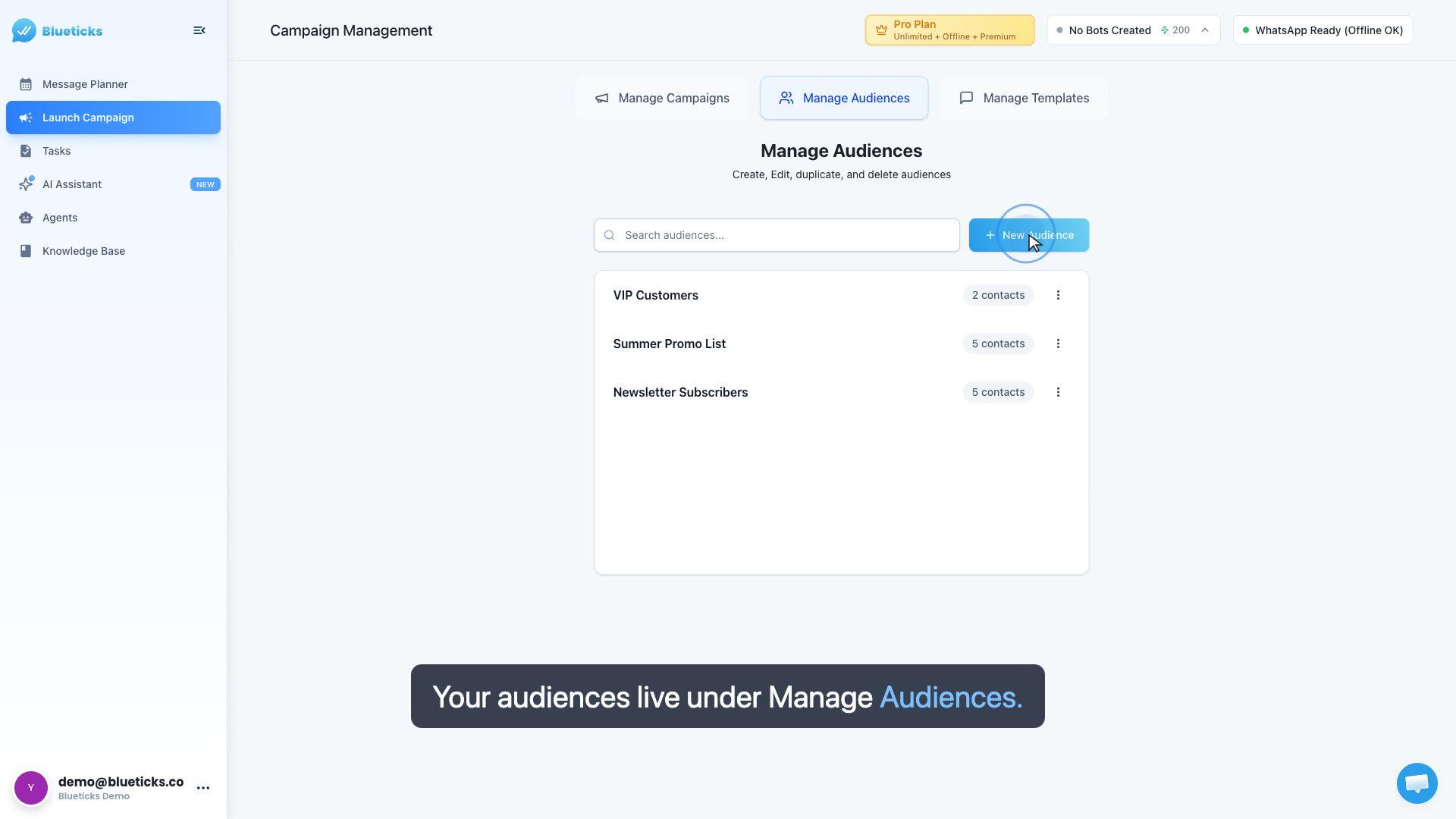
Manage audiences & import contacts
Build reusable contact lists — import from a spreadsheet, Google Sheets, or WhatsApp, map your columns, and reuse the audience across any campaign.
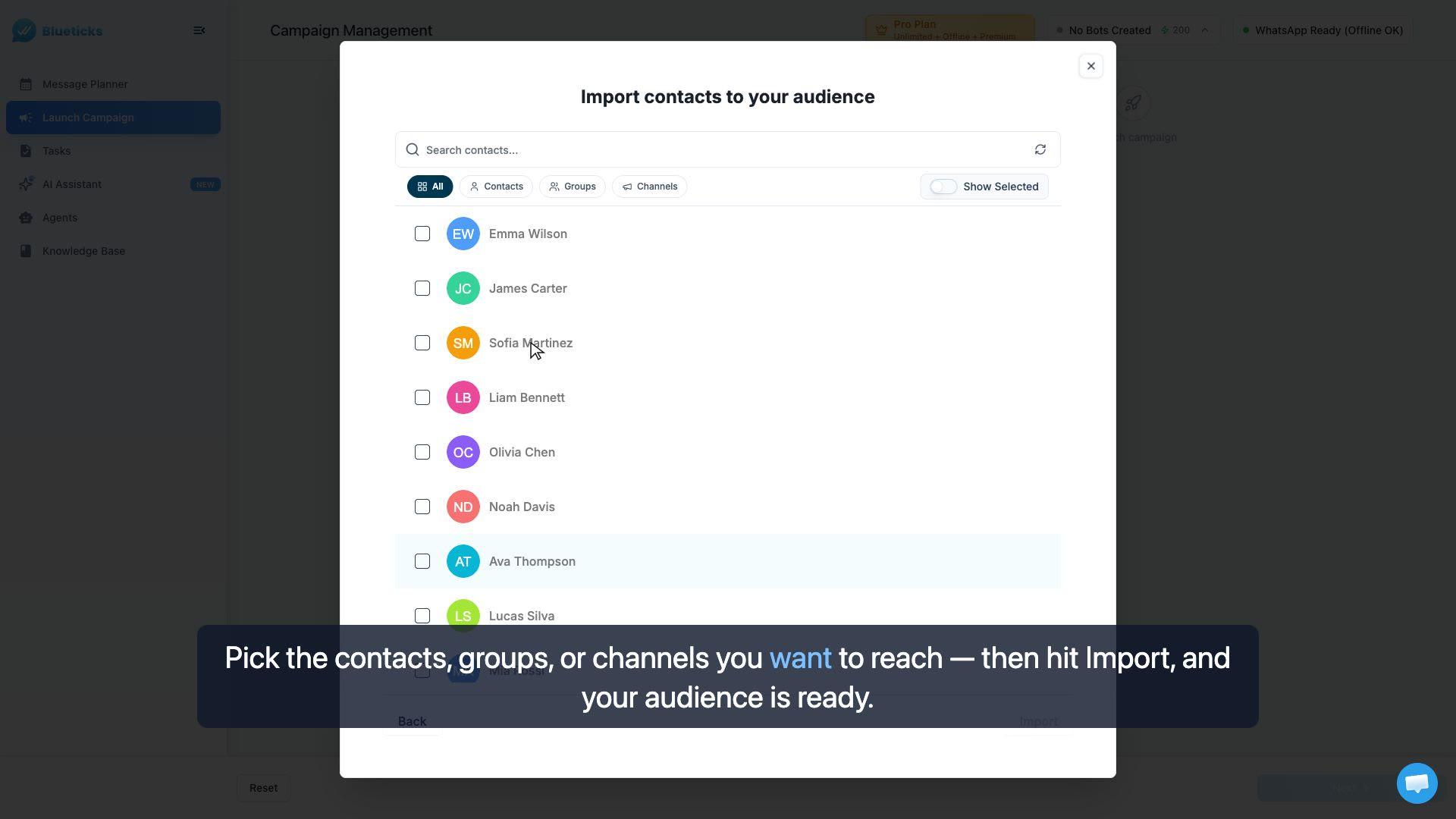
Import contacts straight from WhatsApp
The fastest way to build an audience — pull your contacts, groups, and channels directly from WhatsApp, no spreadsheets needed.
Safe sending — protect your number
Avoid getting your WhatsApp number limited or blocked: automatic pacing, warming up a new number, varying your messages, and what to do if you're limited.
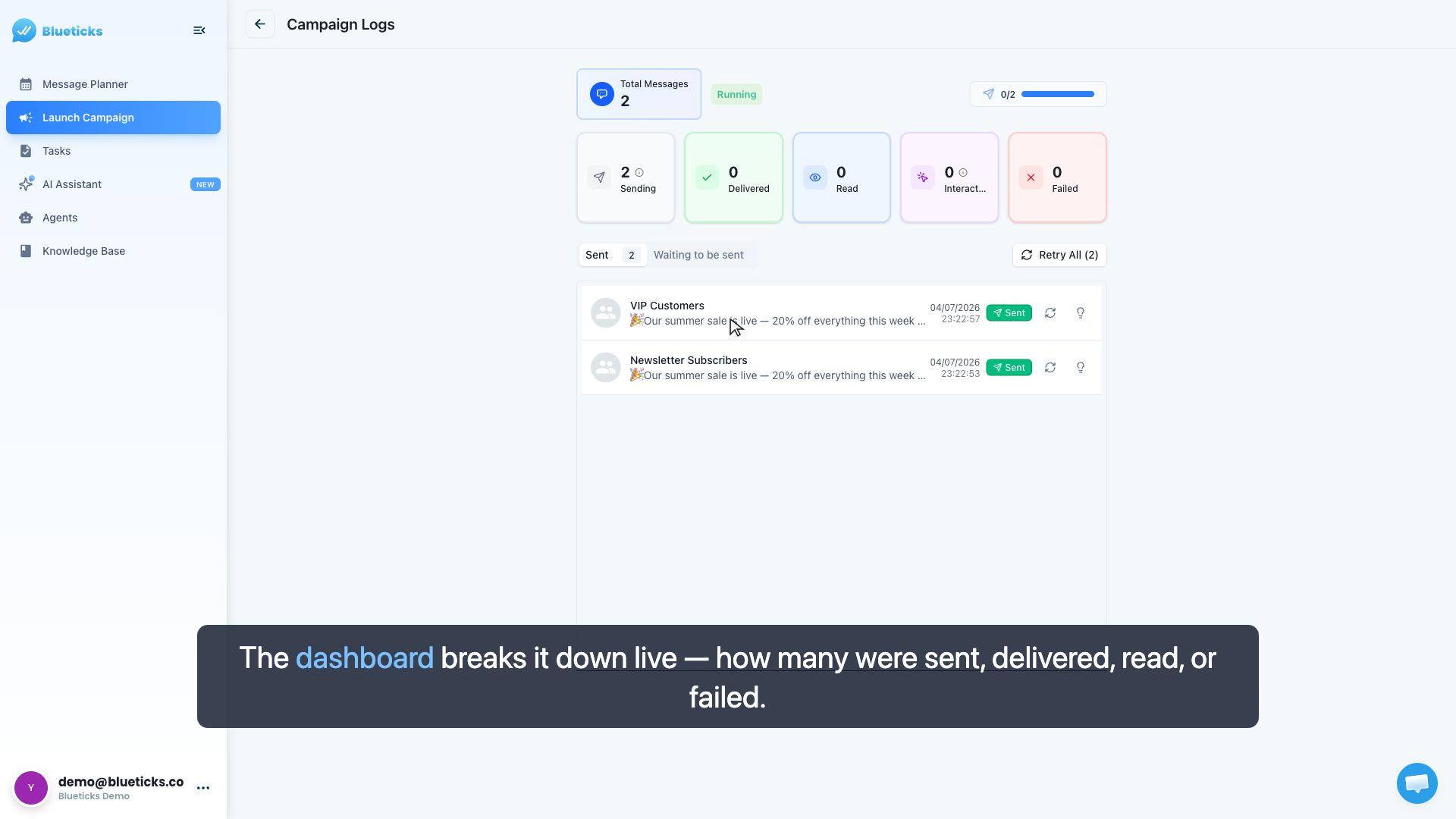
Campaign results & message logs
Read your campaign results — the live sent / delivered / read / failed breakdown, and each recipient's exact message status.
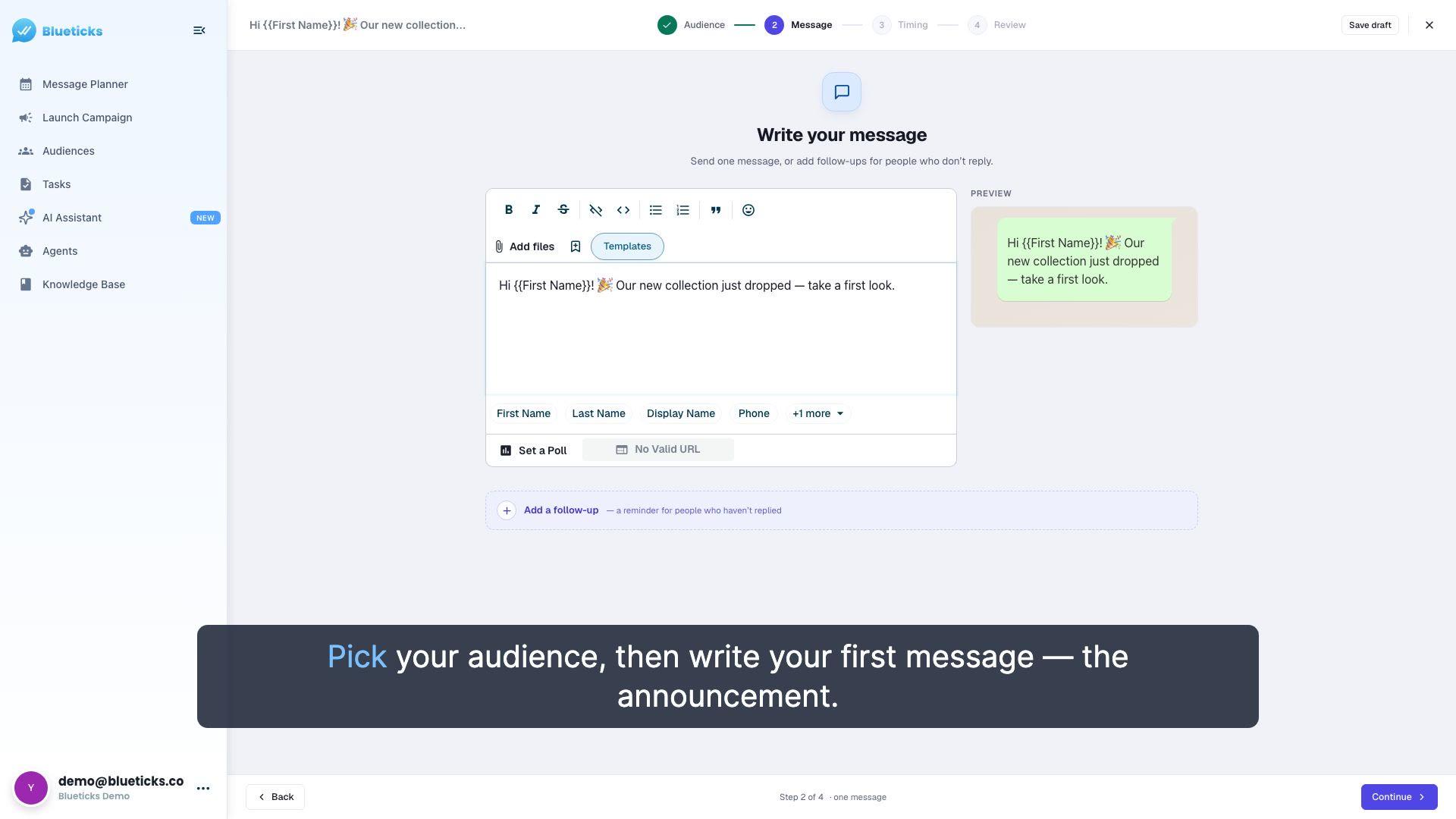
Reuse a launch sequence every month
Build a multi-day launch sequence once, save it as a drip template, and reuse it every month with a new start date — then track every send in the planner and per-recipient logs.