The Blueticks API: your first message in one request
Create a key and send a WhatsApp message from your own code.
 Video coming soon
In this video
- 0:00Create an API key
- 0:21Send your first request
- 0:43Schedule it for later
- 0:54Webhooks: get events back
- 1:04Full API docs
Steps
- 1
In your account, open API. On the API Keys tab, click Create key, type a Key name, like “my website”, and click Create key.
- 2
Copy your key now. It is shown only once. Keep it on your server, never in your website’s code.
- 3
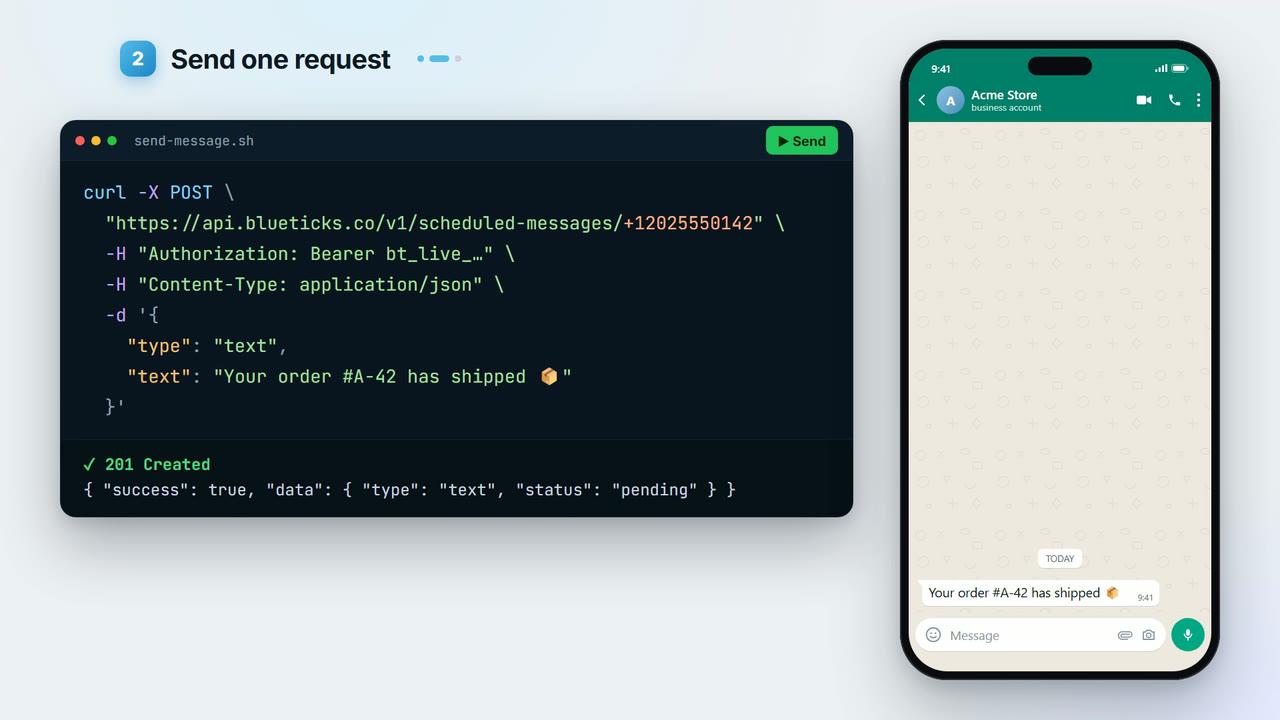
Send the request below. Replace the number with the recipient’s (international format, with +) and
BLUETICKS_API_KEYwith your key. - 4
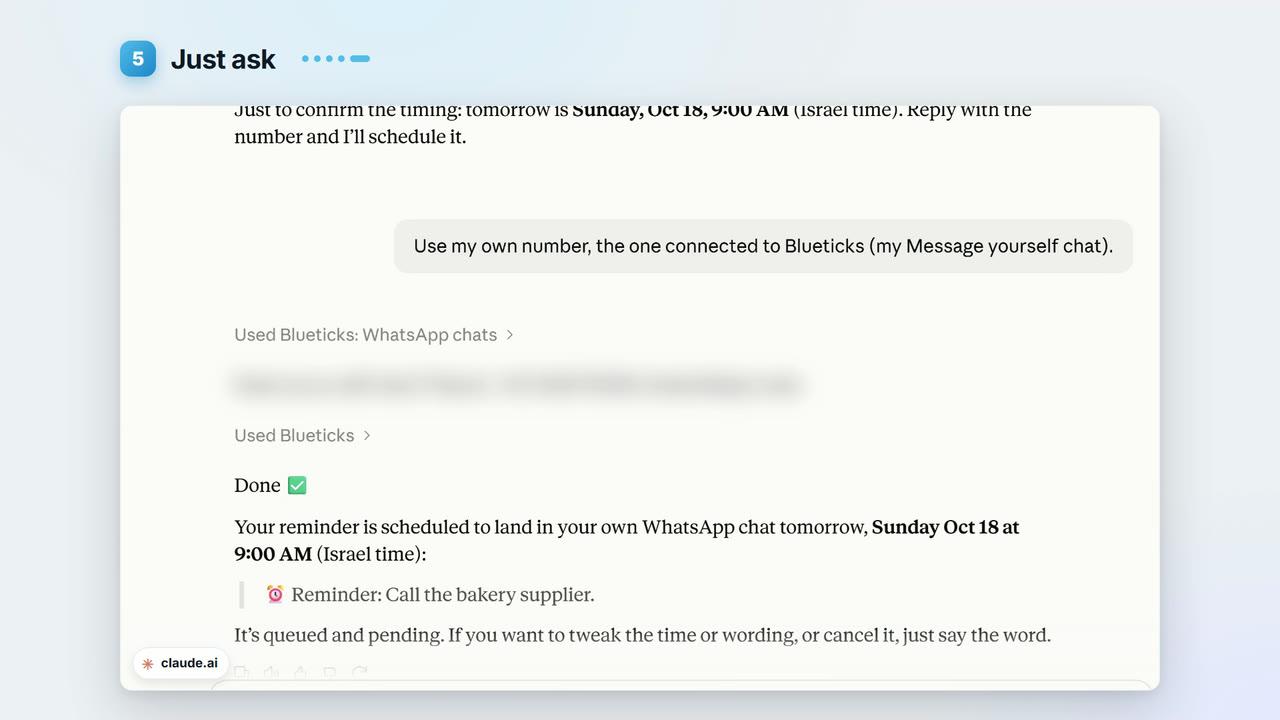
The message goes out right away from your own WhatsApp. Add
sendAtto schedule it for later instead. - 5
To hear back when something happens, like a new message or a poll vote, open the Webhook tab, add your URL and pick the events.
- 6
Click Full API docs for the full reference and examples in Python, Node.js, PHP, Ruby and Go.
curl -X POST "https://api.blueticks.co/v1/scheduled-messages/+15551234567" \
  -H "Authorization: Bearer BLUETICKS_API_KEY" \
  -H "Content-Type: application/json" \
  -d '{
    "type": "text",
    "text": "Hi! Your order is ready."
  }'
Key points
- Without always on, WhatsApp Web needs to be open for API messages to send.
sendAttakes an ISO 8601 time with a time zone offset.- The same endpoint sends to groups and channels: swap the phone number for the chat ID.
Full transcript
Want your own app to send WhatsApp messages? With the Blueticks API, it takes one request.
In your account, open API, and click Create key. Give it a name, like my website. Copy your key now. It's shown only once. Keep it on your server, never in your website's code.
Now, the request. Post to api.blueticks.co/v1/scheduled-messages, followed by the phone number. Put your key in the Authorization header. In the body, set the type to text, and write your message.
Send it, and the message goes out right away, from your own WhatsApp.
Add a send at time, and it's scheduled for later instead.
One thing to know: without always on, WhatsApp Web needs to be open for it to send.
Want to hear back when something happens, like a new message or a poll vote? Open the Webhook tab, add your URL, and pick the events.
Full docs and examples in five languages are linked right there, under Full API docs.
Get your key, at app.blueticks.co.