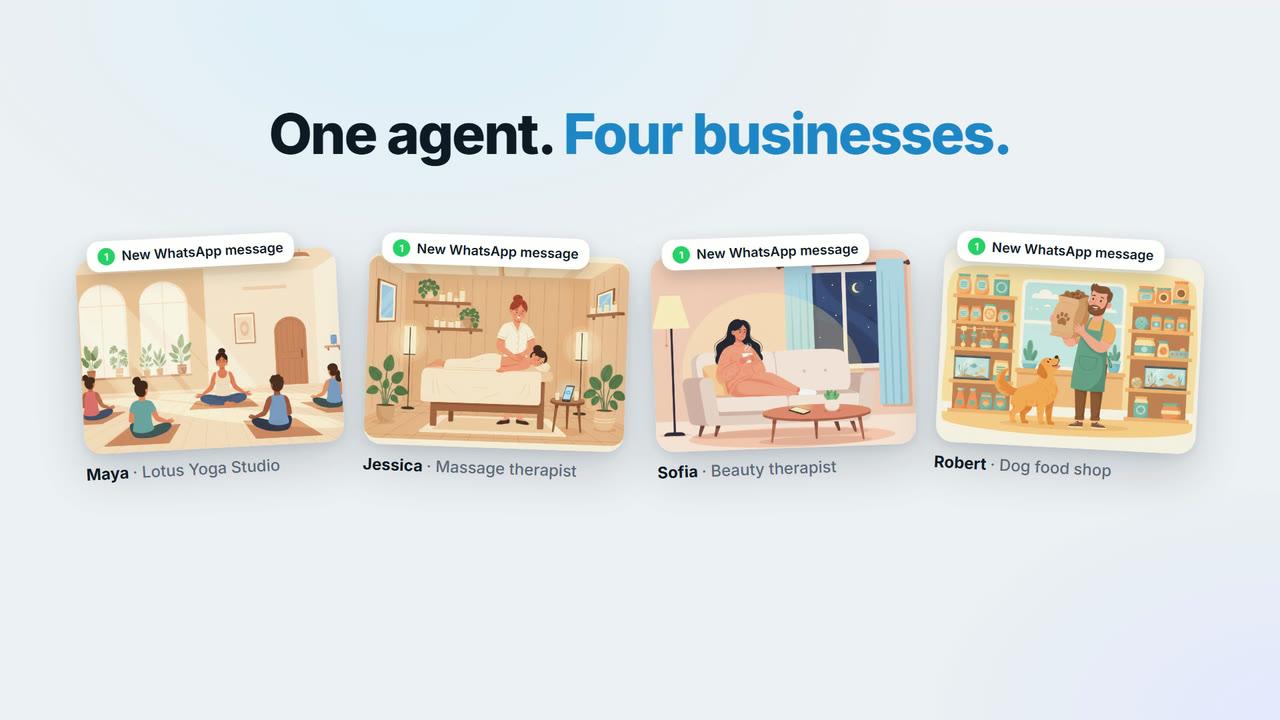
Build an agent in about a minute
Describe your agent in plain words and Blueticks builds it for you.
 Video coming soon
In this video
- 0:00Meet AI Agents
- 0:13Describe your agent in plain words
- 0:27Turn it on
Steps
- 1
Open AI Agents (it reads Agents 2.0 if your account also has flow bots) and click New agent.
- 2
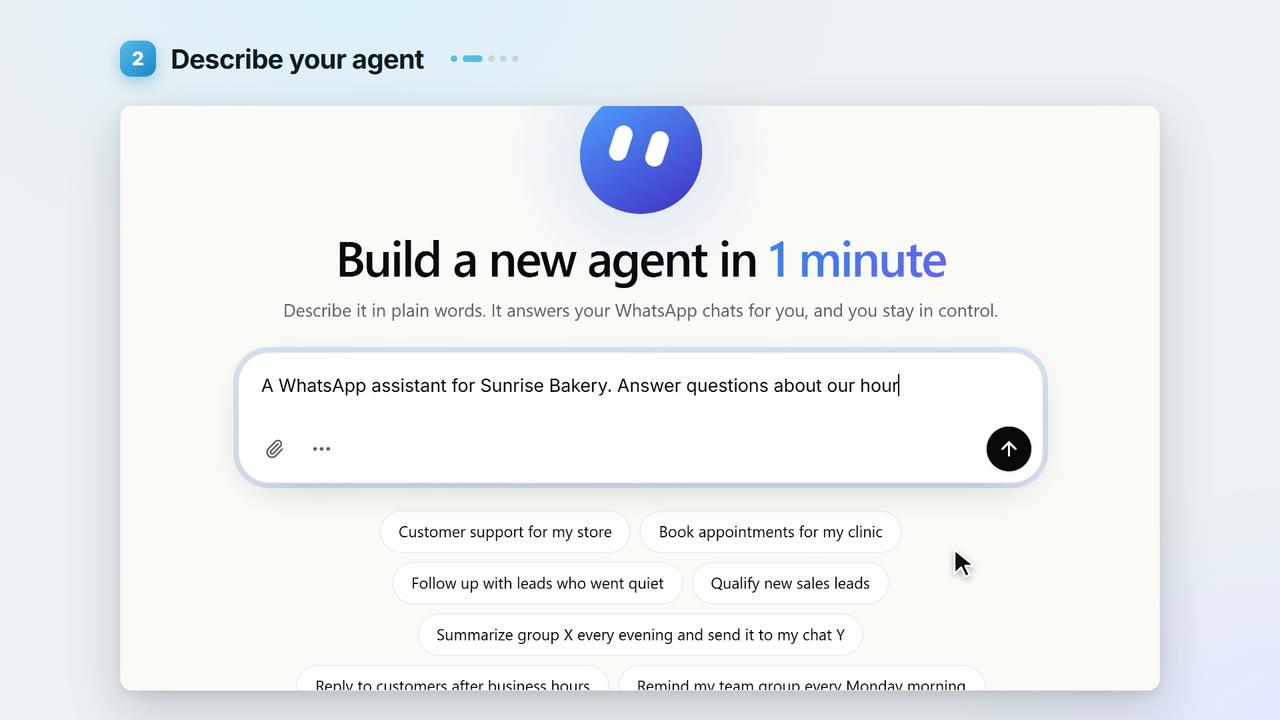
Describe your agent in plain words: what it should do, and who it’s for. You can also start from one of the suggestions.
- 3
Send it. Blueticks writes the instructions and the settings for you.
- 4
Read them over, or ask for any change right there in the chat.
- 5
When you’re happy, click Turn it on. The card changes to Live on WhatsApp.
Key points
- New agents are created paused, so nothing goes out until you turn yours on.
- Human takeover is on by default: the moment you write in a chat yourself, the agent steps back for that chat.
- Prefer to edit by hand? Switch to Form. Lesson 3.3 walks through the settings that matter.
Full transcript
Meet the Blueticks agent. It answers your WhatsApp chats for you. And you can build one in about a minute. Here's how.
Open Agents 2.0, and click New agent. Now, describe your agent in plain words. What it should do, and who it's for. Send it, and Blueticks builds the agent for you. It writes the instructions and the settings. Read them over, or ask for any change, right here in the chat. When you're happy, turn it on. That's it. Your agent now replies on WhatsApp. And the moment you jump in yourself, it steps back for that chat. Build your first agent today, at app.blueticks.co.