

Free or Pro: what you actually get
Pick the plan that fits how you use WhatsApp.
In this video
Watch on YouTubeWhat each plan adds
- 1
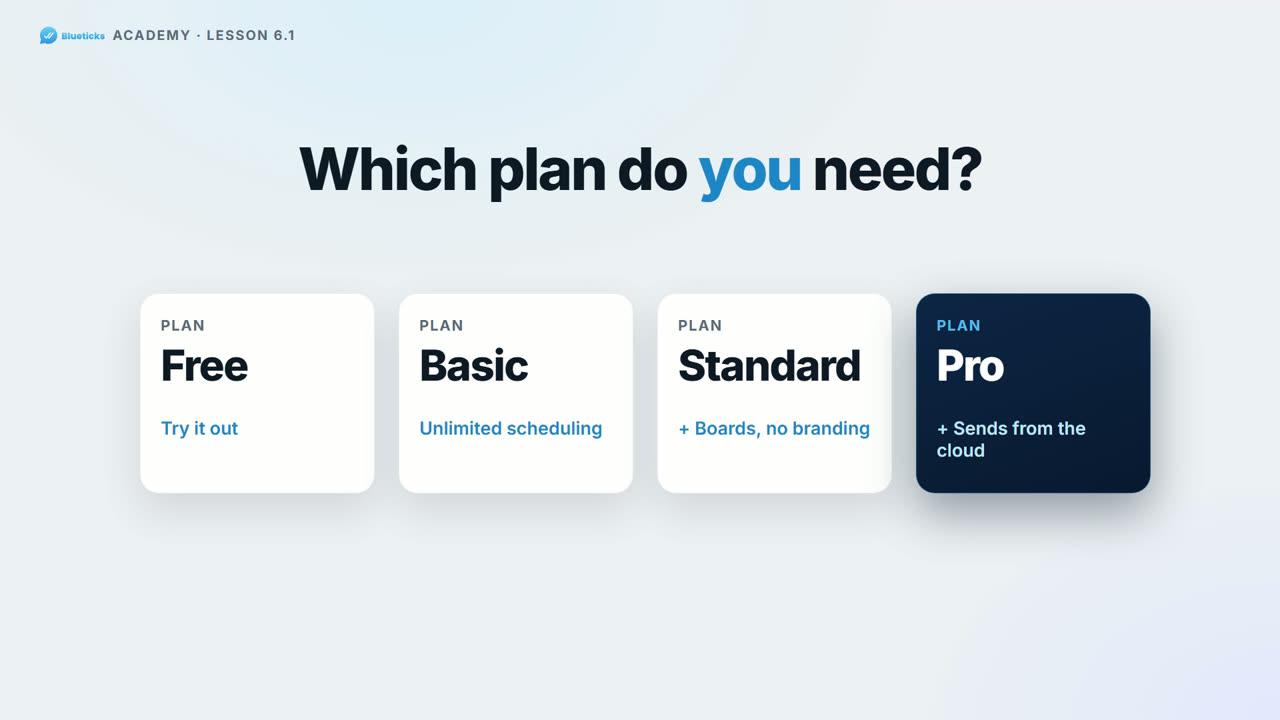
Free is for trying it out. Schedule from WhatsApp Web, with up to 3 scheduled messages waiting at a time. Messages send while WhatsApp Web is open.
- 2
Basic: unlimited scheduled messages.
- 3
Standard: everything in Basic, plus unlimited boards and tasks, and no “Powered by Blueticks” on campaigns.
- 4
Pro: everything in Standard, plus always-on sending. Your WhatsApp runs in the Blueticks cloud, so messages go out even with your computer off.
Change your plan
- 5
In your account menu, open Buy Subscription (workspace owner only).
- 6
Choose Monthly or Yearly, set your team size with − and +, and click the button on the plan you want.
- 7
To go back to Free, click Cancel subscription on the same page.
Key points
- Pricing is per user: every member of your team needs a seat. Guests are free.
- AI credits are per user too: 250 a month on Basic, 500 on Standard and 1,000 on Pro.
- Not sure about Pro? Try it free for 7 days, no credit card. Each account can use the trial once.
- You can upgrade, switch plans or change your team size any time. For current prices, see the Pricing page.
Full transcript
Which Blueticks plan do you need? Let's make it simple.
Free is for trying it out. You can schedule from WhatsApp Web, with a small limit on how many messages wait at once, and it sends while WhatsApp Web is open.
Go Basic, and schedule as many messages as you need.
Standard adds unlimited boards and tasks, and campaigns without Powered by Blueticks. And Pro is for businesses that can't afford to miss a send. Your WhatsApp runs in the Blueticks cloud, so messages go out even with your computer off.
Pricing is per user, you can change plans any time, and cancel from the same page.
Not sure about Pro? Try it free for seven days. No credit card.
See the plans, at app.blueticks.co.