
Blueticks Payment Failed: How to Update Your Card
A red banner says your payment failed. Click Update Payment, change your payment method in Admin Billing, and the warning clears once the invoice is paid. Here is how long you have, and who can do it.
Daniel Roth3 min read
On this page
If Blueticks shows a red banner that says "Your payment has failed. Please update your payment method to avoid service interruption.", click Update Payment on the banner. It opens Admin Billing, where you change your payment method.
Checked against the Blueticks app code and wording on 2026-11-19.
How do you update your payment method?
- Click Update Payment on the red banner. It takes you to Admin Billing. You can also open Admin Billing yourself from the left sidebar.
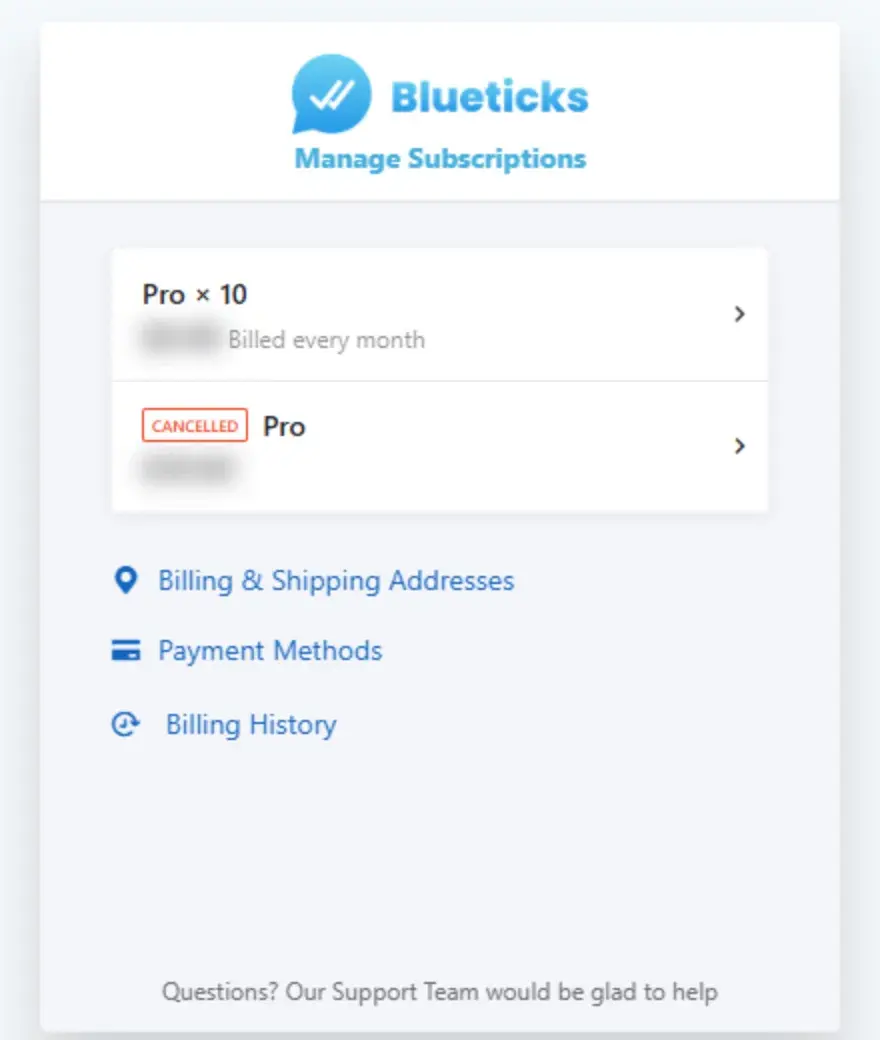
- In the billing portal, open Payment Methods and update the card.
- Return to Blueticks. The banner is shown for as long as an invoice is unpaid, so it goes away once that invoice is settled.
If your card keeps getting declined, try a different card.
The banner also shows how late the payment is, for example "(3 days overdue)".
Who can do this?
Only the workspace owner sees the Admin Billing item in the left sidebar. If you are a teammate and you see the banner, ask the owner of the workspace to update the card.
How long do you have?
The banner is a warning, not a lock. Access is suspended only later, when the unpaid invoice has been overdue for more than:
- 9 days by default, or
- 21 days when the card was declined for a temporary reason, such as insufficient funds or a limit being exceeded.
The banner does not tell you which case applies, so assume 9 days. Updating the card early is the safe option. Suspension also only applies once the unpaid balance is $5 or more.
What does suspension look like?
You see an Account Suspended screen: "Your account has been suspended due to unpaid invoices. Please update your payment method to restore access." Its Update Payment Method button goes to Admin Billing. The billing pages, Admin Billing and Buy Subscription, stay reachable so you can fix it.
Frequently asked questions
I updated my card. Why is the banner still there? It follows the unpaid invoice, not the card. If you still see it after updating the card, write to support@blueticks.co from your account email and we will check the invoice.
I do not want to keep the plan. You do not have to pay to leave. See how to cancel. Refunds within 14 days of a payment are covered there too.
Where are my invoices? In the same billing portal. The subscription guide shows the page.
If something here does not match what you see, tell us at support@blueticks.co. We would rather fix the page than have you guess.
Want more WhatsApp recipes? Join the free WhatsApp Growth Recipes community.