How to Set Up a WhatsApp Automation Sequence in 2026 (Step-by-Step)
A step-by-step build for a WhatsApp automation sequence that fires timed follow-ups on its own and stops the second a lead replies. From your own number, free to start.
Daniel Roth10 min read
On this page
- What is a WhatsApp automation sequence, and when do you need one?
- Why can't you build an automation sequence in the WhatsApp app itself?
- What do you need before you set up an automated WhatsApp messages sequence?
- How do you map out the sequence steps and delays?
- How do you set up a WhatsApp automation sequence step-by-step?
- How do you make the sequence stop when someone replies?
- What automated WhatsApp messages sequence works best for onboarding vs. nurturing?
- What WhatsApp Web limits and messaging rules should you know first?
- Setting up your first sequence with Blueticks in under 10 minutes
- FAQ
You send message one, the lead reads it, and then nothing. You mean to follow up on Thursday. Thursday you forget. By the time you remember, the lead has gone cold and you are back to square one. The fix is not more discipline. It is a sequence that fires the follow-ups for you and gets out of the way the moment someone answers.
This is the practical build. What a WhatsApp automation sequence actually is, why the app itself can't run one, how to map the touches and delays, the exact step-by-step setup, and the failure modes nobody warns you about. By the end you'll have a working sequence sending from your own number.
What is a WhatsApp automation sequence, and when do you need one?
A WhatsApp automation sequence is a series of pre-written messages that send to each contact automatically, spaced by delays you set, with the whole series canceling for that contact the moment they reply. You need one when leads go quiet after the first message and your manual follow-ups keep slipping.
The three things people confuse it with:
- One-time scheduled message - one message, sent once, later.
- Recurring message - the same message, re-sent on a fixed cadence.
- Broadcast - one message, blasted to many people at once.
An automation sequence is none of those. The unit of work is the sequence per contact, not the send. When a lead enters the list, they get touch one now, touch two at 48 hours, touch three on day five, and the series stops the instant they answer.
Here is the concrete case. You run a small design studio and 40 people a month request a quote. You send the quote, half go silent, and you have no system chasing the silent half. A three-touch WhatsApp drip sequence that opens with the quote, nudges at day two, and makes a direct ask at day five recovers the leads you were quietly losing. That is whatsapp lead nurturing done with a schedule instead of your memory.
Why can't you build an automation sequence in the WhatsApp app itself?
You can't because WhatsApp has no native sequencing. The standard app ships no scheduler at all. The Business app offers only greeting and away messages, and both are auto-replies triggered by an incoming message from a contact, never a proactive multi-step series you send on your own initiative.
Be precise about what the Business app does. A greeting message sends automatically when someone messages you for the first time, or after 14 days of inactivity. An away message replies when a contact writes to you outside your set hours, with three scheduling modes: always send, a custom schedule, or outside business hours. Notice the pattern. Every one is a reply to something a contact sent you first.
An automation sequence is the reverse. It reaches out, on a timed plan, to people who haven't written back. There is no button for that in the app, free or Business. To get proactive, multi-step, stop-on-reply sends you need a tool that sits on top of WhatsApp Web and drives your existing number.
What do you need before you set up an automated WhatsApp messages sequence?
Four things: a contact list with a first-name field, a clear trigger for who enters, a timing plan for the delays between touches, and recorded opt-in with an easy way out. Get these right before you write a single message. A sequence built on a messy list or missing consent fails on contact with reality.
Run this checklist first:
- A list with fields. Import your contacts with at least a first name and one segmenting field, like source or product interest. Those fields power your personalization variables later. A flat list of raw numbers kills both
{firstName}and any segmenting. - A trigger. Decide what puts someone into the sequence. New quote request, trial signup, downloaded a guide. In Blueticks this is an audience: the sequence runs against that audience, so entering it is the trigger.
- A timing plan. Sketch the delays before you touch any tool. How many touches, how far apart. More on the spine in the next section.
- Opt-in and an out. Every contact needs recorded consent that names WhatsApp as the channel, plus a simple way to stop hearing from you. This is not optional politeness. Messaging people who never opted in from a personal number is the fastest route to a ban.
If any of the four is shaky, fix it now. A whatsapp nurture sequence amplifies whatever list you point it at, including a bad one.
How do you map out the sequence steps and delays?
Map three to five touches over five to fourteen days, with the gaps widening as you go. A reliable spine: touch one immediately, touch two at 48 hours, touch three on day five, and an optional touch four on day nine. Each message drives one action. More than five touches earns mutes and blocks.
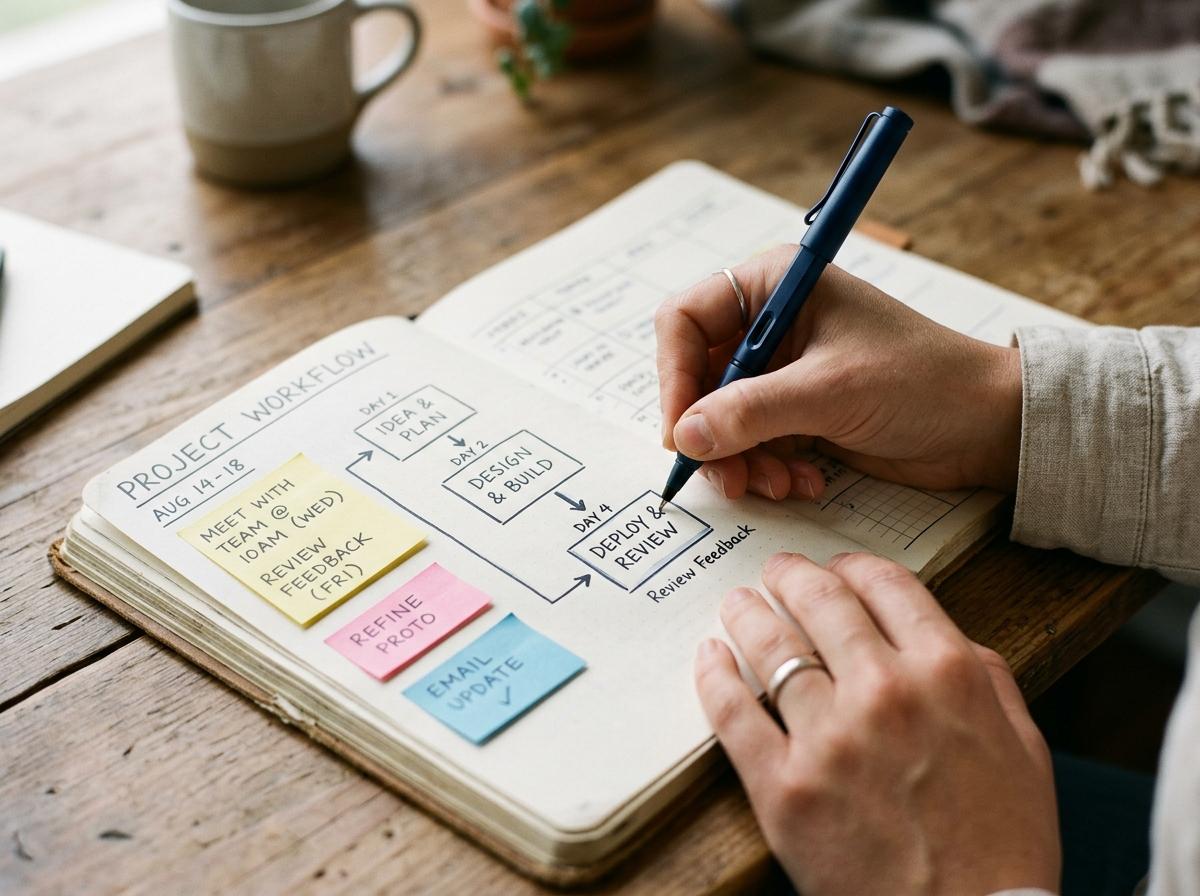
Write the map on paper before you open any software. A proven layout:
| Touch | Timing | Job of the message |
|---|---|---|
| 1 | Immediately | Introduce, deliver the thing, ask one qualifying question |
| 2 | +48 hours | Handle the obvious objection or add value |
| 3 | Day 5 | Make the direct ask (book, buy, reply) |
| 4 (optional) | Day 9 | Last, low-pressure nudge, then stop |
Two rules keep the map honest. First, one action per message. Touch one asks a question, touch three makes the ask, and no single message tries to do both. Second, widen the gaps. Bunching four messages into three days reads as pressure. Spreading them over nine days reads as a person following up. If your need is date-driven rather than lead-driven, like a renewal or payment nudge, a recurring reminder fits better than a sequence. The automated follow-up sequence guide has ready templates for both shapes.
How do you set up a WhatsApp automation sequence step-by-step?
Set it up in six steps: connect your number, build the audience with fields, create the drip with your mapped touches, set the per-step delays, turn on stop-on-reply, then send yourself a test. The build takes well under an hour once your list is clean. Here is the exact workflow.
- Connect your number. Install the Blueticks Chrome extension and link your WhatsApp number by scanning the QR code the way WhatsApp Web does. This is the engine that sends. No second number, no Meta approval.
- Build the audience. Import your contacts into an audience with a first name and at least one segmenting field. This is the list your sequence runs against.
- Create the drip. Open drip campaigns and add your touches in order. Each touch is a real message with its own copy and, where useful, a
{firstName}variable pulled from the audience field. - Set the per-step delays. Give each step its wait: touch one immediately, touch two at 48 hours, touch three at five days. Each delay is a number plus a unit — minutes, hours, days, weeks, months or years — so short bursts and slow nurtures both fit. A minute is the shortest gap you can set, and there is no maximum.
- Turn on stop-on-reply. Switch it on so a reply removes the contact from the remaining steps automatically. This is the setting that separates a follow-up from spam. Cover it in the next section.
- Test before you trust it. Add your own number to a one-person test audience, run the sequence with short delays, and confirm each touch arrives and that replying kills the rest. Never point a new sequence at real leads unverified.
What breaks: on the basic browser-sending setup, WhatsApp Web has to stay open and the computer awake at each send time. Close the tab or sleep the laptop and that touch is skipped. This is the single most common reason a sequence goes quiet mid-run. The fix is the offline gateway, which sends server-side even with your browser closed. More on that in the limits section.
Skip the per-message fees, the API onboarding queue, and the template approvals. Set up your first automated WhatsApp sequence with Blueticks, free to start, sending from your own number, and replies auto-pause it.
How do you make the sequence stop when someone replies?
You switch on stop-on-reply. In Blueticks it is a setting on the drip campaign: the moment a contact sends any message back, they are removed from every remaining step of the sequence automatically. The conversation hands off to a human, and no scheduled touch ever fires into an active thread.
This is the capability most tools get wrong, so it deserves the demo. Without stop-on-reply, a lead who booked a call on touch two still receives the "still interested?" nudge on touch four. That single message reads as spam, earns a block, and undoes the trust the sequence just built.
Here is the pattern in practice. Velora Studio, a synthetic-but-representative fitness studio, ran 300 trial signups a month through one manual follow-up, and most leads never got a second touch. They rebuilt it as a four-touch automated WhatsApp messages sequence with stop-on-reply: day zero welcome with a question, day two schedule link, day five social proof, day nine direct ask.
"Once stop-on-reply was on, the awkward messages just stopped. Nobody who had already booked got a 'still interested?' chase, and our block rate stayed flat while volume tripled." - Velora Studio owner (synthetic operator quote, representative of the pattern)
That is the whole argument. The exit logic is the product, not a branch you have to remember to wire into every step.
What automated WhatsApp messages sequence works best for onboarding vs. nurturing?
An onboarding sequence activates someone who already said yes, so it is short, fast, and instructional. A nurturing sequence warms a lead who hasn't committed yet, so it is longer, slower, and value-led. Same mechanics, opposite goals. Match the spacing and the ask to which job you are doing.
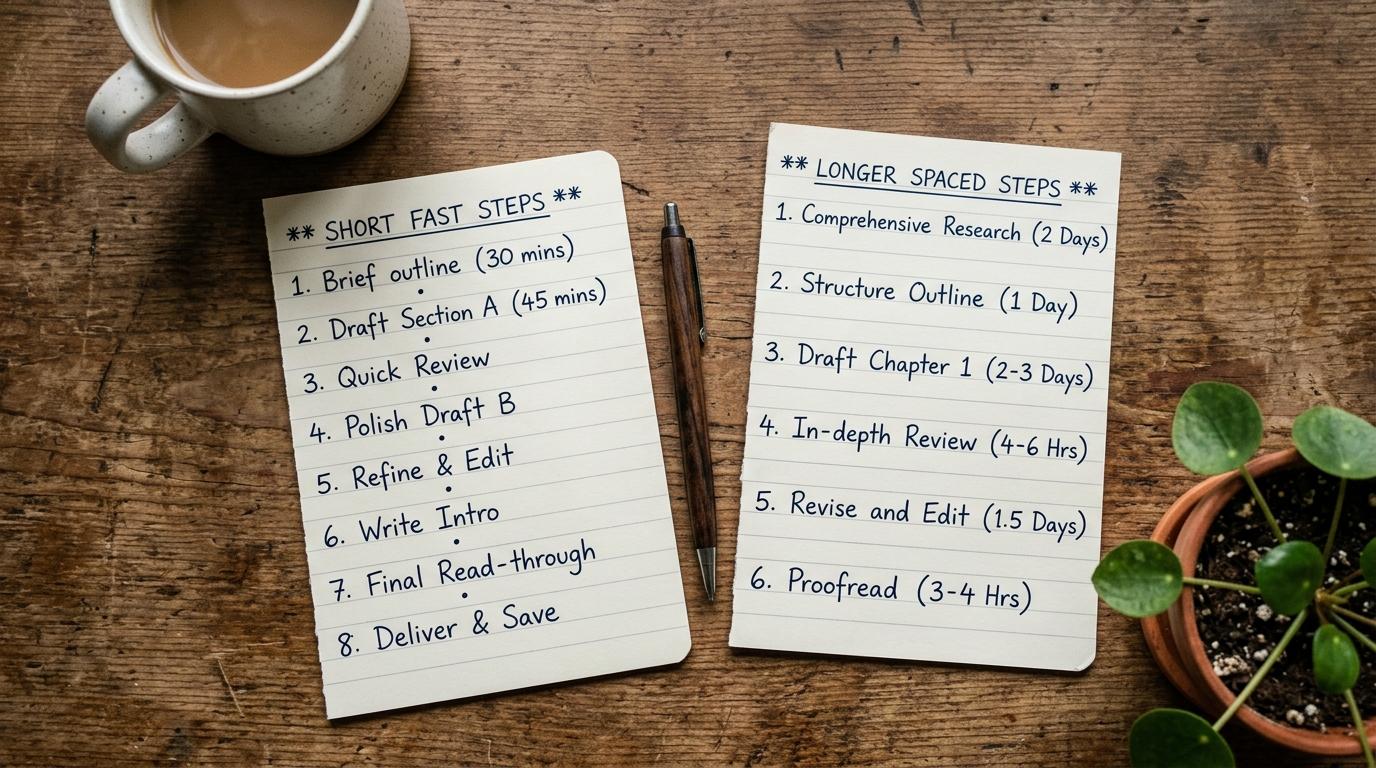
A whatsapp onboarding sequence runs tight because the person is fresh and motivated. Four touches over a week:
- Day 0: welcome and the single first action to take.
- Day 1: the one feature that delivers the "aha," with a link.
- Day 3: a check-in that invites a reply if they're stuck.
- Day 7: a nudge toward the next milestone.
A whatsapp nurture sequence runs looser because the lead is undecided and pushing hard backfires. Four touches over two weeks:
- Day 0: deliver value, no ask.
- Day 3: handle the common objection.
- Day 7: social proof or a case example.
- Day 14: the direct ask, once.
The tell is the timing. Onboarding compresses because attention is high and fades quickly. Nurturing stretches because trust builds slowly and a rushed ask reads as pressure. Both live in the same drip campaign structure. You just change the delays and the tone.
What WhatsApp Web limits and messaging rules should you know first?
Sending from your own number over WhatsApp Web means personal-account scale and personal-account rules, not enterprise throughput. There is no per-message fee and no template approval, but there is no infinite blast either. Pace your sends, respect opt-out, and keep WhatsApp Web reachable, or the sequence stalls.
Three things to internalize before you scale up.
The API path has hard ceilings you are skipping. On the WhatsApp Business Platform, Meta bills per delivered message as of July 1, 2025, and marketing templates are always charged. A new sender there can also message only 250 unique contacts per 24 hours until they verify and earn higher tiers of 2,000, then 10,000, then 100,000, then unlimited. Own-number sending sidesteps the meter and the template queue, which is the point, but it means you self-govern volume.
Pace, don't blast. WhatsApp's own guidance on broadcast lists caps each list at 256 contacts and warns against sending large volumes at once. A sequence naturally spreads sends over days, which helps, but don't stack a 500-person same-minute burst on top. Space it.
What breaks: the browser is the engine. On browser-only sending, close the tab or sleep the laptop and the next scheduled touch is skipped. Blueticks solves this with the offline gateway on its Pro plan, which fires your sends server-side even when your browser is closed. If a touch has a real consequence when it's late, put the sequence on the gateway and verify it once.
Setting up your first sequence with Blueticks in under 10 minutes
Install the extension, link your number, build a small audience, create a two or three touch drip with delays, turn on stop-on-reply, and test it on your own number. Ten minutes, no API, no Meta account, no per-message fee. Start on the free plan and upgrade only when you need the offline gateway.

The fast path, start to finish:
- Add the Blueticks extension to Chrome or another Chromium browser and open WhatsApp Web.
- Link your number by scanning the QR code.
- Create an audience and import three test contacts, including your own number, each with a first name.
- Open drip campaigns, add two or three touches, and write each to one action.
- Set delays a few minutes apart for testing, and switch on stop-on-reply.
- Run it, watch the touches land, then reply from a test contact and confirm the rest cancel.
A note on the free plan. Blueticks Free lets you hold 3 pending standalone scheduled messages at a time, raised from one in July 2026. Campaign and sequence messages don't count against that limit, so a drip's queued touches run freely. Pro removes the standalone limit and adds the offline gateway for browser-closed sending. Build and test your first whatsapp nurture sequence free, then upgrade when reliability matters more than convenience.
FAQ
How do I set up a WhatsApp automation sequence without the Business API?
Use a tool that drives your existing WhatsApp number over WhatsApp Web, like the Blueticks extension. You install it, link your number by QR, build an audience, and create a drip campaign with per-step delays and stop-on-reply. No Meta verification, no template approval, and no per-message fees, because you send free-form from your own number.
Can WhatsApp send an automated message sequence on its own?
No. The standard WhatsApp app has no scheduler, and the Business app only sends greeting and away messages, which are auto-replies triggered by an incoming message. Neither sends a proactive, timed, multi-step series to people who haven't written back. That requires a third-party sequencing tool sitting on top of WhatsApp Web or the Business API.
How many messages should a WhatsApp nurture sequence have?
Three to five touches, spaced over five to fourteen days, with the gaps widening as the sequence runs. A dependable spine is day 0, day 2, day 5, and an optional day 9. Fewer than three rarely recovers a cold lead. More than five earns mutes and blocks, and each extra touch is another chance to annoy someone who already decided.
What does stop-on-reply do in a sequence?
Stop-on-reply removes a contact from every remaining step the moment they send any message back. It hands the conversation to a human and prevents a scheduled touch from firing into a live thread. It is the single most important setting to verify in any WhatsApp automation sequence, because without it your automation competes with your own real conversations.
Will my sequence keep sending if my computer is off?
Only with an offline gateway. On the default browser-only setup, sending runs inside WhatsApp Web, so a touch is skipped if the tab is closed or the laptop is asleep. Blueticks offers a Pro offline gateway that sends server-side even when your browser is closed. For any sequence with real stakes, put it on the gateway and test the first send.