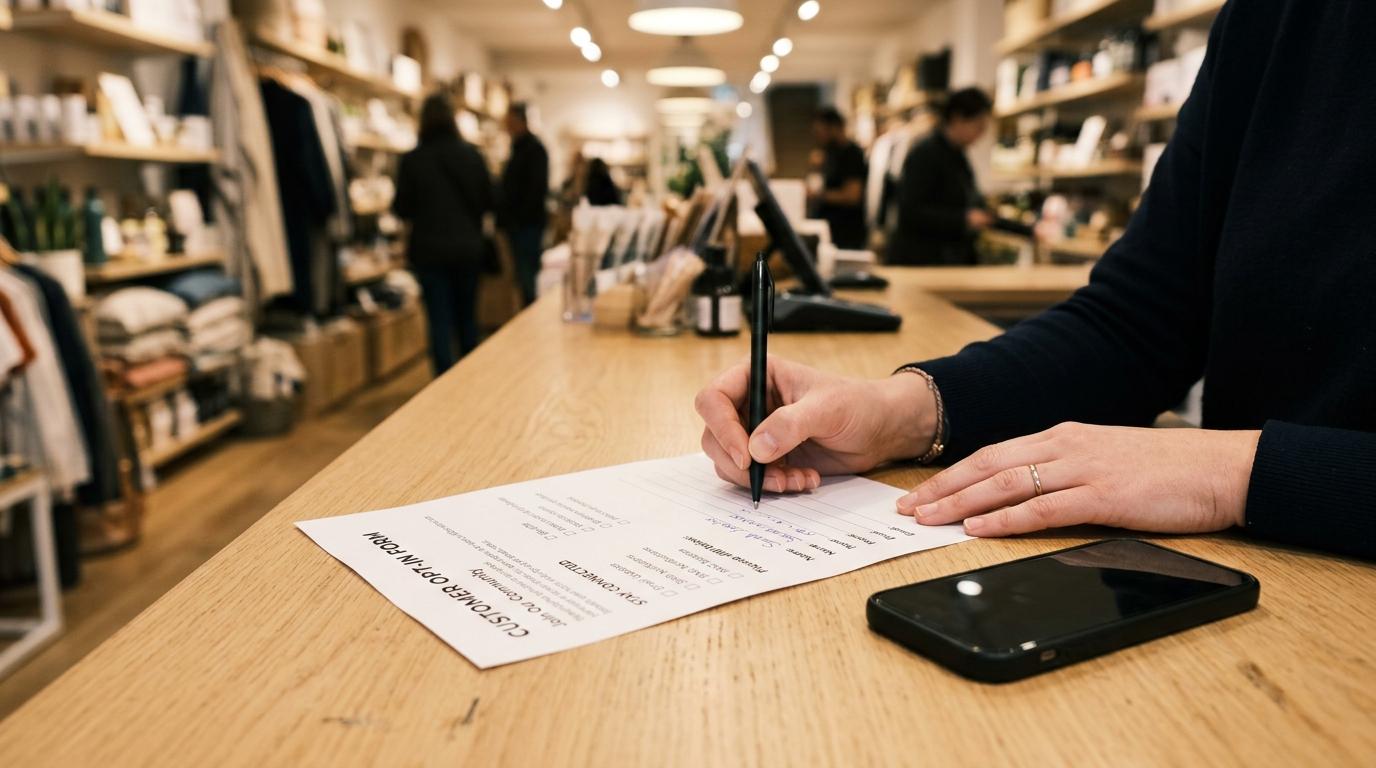
You spent months building your WhatsApp contact list. Then Meta changed the rules in April 2025 — and half your US subscribers became unreachable overnight. If you're still using a single checkbox from your checkout page and calling it "compliant," you're one quality-rating drop away from a campaign suspension.
This guide covers the nine channels that build a real, Meta-compliant WhatsApp opt-in list, what conversion rate each one should hit, and exactly what changed in 2025 that you need to act on now.
What Meta requires for a valid WhatsApp opt-in in 2026
A valid WhatsApp opt-in needs four things: your business name, an explicit mention of WhatsApp as the channel, a description of the message types the user will receive, and a clear opt-out path. Missing any one of these four elements means your consent is non-compliant — regardless of where you collected it.
Per Meta's WhatsApp Business Platform documentation, a compliant opt-in must satisfy these conditions simultaneously:
- Business name clearly stated — "From [Your Business Name]" must appear in or near the consent prompt, not buried in a footer
- Channel specificity — The word "WhatsApp" must appear. "Text messages" or "mobile updates" is not sufficient
- Message type disclosure — Tell them what they're signing up for: order updates, promotions, restock alerts, or a combination
- Opt-out mechanism — Users must know they can stop. "Reply STOP to unsubscribe" has become the standard formulation
One constraint that catches businesses off guard: opt-ins cannot be collected through WhatsApp itself, per Infobip's documentation of the Meta platform rules. You cannot cold-message someone on WhatsApp to ask for opt-in consent — consent must come before that first outbound template.
The required language is more specific than most businesses realize. The Klaviyo/Meta canonical template reads: "By replying YES to this message, you agree to receive marketing and/or informational messages from [Company Name]. Reply STOP to opt out." The key elements are a verb-of-agreement ("I agree," "Yes, sign me up"), your exact business name, and the opt-out instruction.
The 9 channels that collect WhatsApp opt-ins — and what conversion rate each should hit
Nine proven channels exist for WhatsApp consent collection, ranging from website forms (1–8% of visitors) to CTWA ads (35–55% click-to-conversation rate) to post-purchase checkouts (15–30% of buyers). Your highest-volume channel isn't always your highest-converting one — matching channel to intent is what drives list quality.
Here are all nine, with realistic benchmarks drawn from Chatarmin's KPI benchmarks and industry usage data:
1. Website popup or banner
Conversion rate: 3–8% of visitors (top performers hit 10–15% with exit-intent triggers and incentives)
A dedicated opt-in popup is the single highest-volume acquisition channel for most e-commerce brands. The mechanics: display the popup on high-intent pages (product, cart, blog), keep the value prop in one sentence, and make the checkbox unchecked by default. Timed delay of 8–12 seconds or exit intent outperforms on-load. If your site popup converts below 2%, the incentive is the problem — a 10%-off offer or early-access promise routinely doubles opt-in rates.
Example wording: "Get order updates and exclusive offers on WhatsApp. By checking this box, you agree to receive WhatsApp messages from [Brand]. Msg frequency varies. Reply STOP to opt out."
2. Checkout opt-in checkbox
Conversion rate: 15–30% of buyers
The checkout page is your warmest acquisition moment — the customer just trusted you with their payment info. A simple, unchecked checkbox next to the phone number field ("Send my order updates via WhatsApp") consistently converts at 15–30% because the value proposition is immediate and concrete. Keep the language transactional at checkout; upgrade to marketing consent in a follow-up welcome flow.
3. Post-purchase thank-you page
Conversion rate: 20–35% of buyers
The thank-you page is underused. The customer just completed a purchase — they're at peak trust. A clear "Stay updated on your order via WhatsApp" prompt with a one-tap wa.me link converts at 20–35%. This is also the best moment to ask for marketing consent as a separate step, because the context is service-first: the customer wants to track their package.
4. Click-to-WhatsApp (CTWA) ads
Conversion rate: 35–55% click-to-conversation
CTWA ads on Facebook and Instagram bypass the friction of a form entirely. The user sees the ad, taps the button, and lands inside a WhatsApp conversation with your business. Between 35–55% of ad clicks turn into actual conversations (per Chatarmin's benchmark data), compared to 2–5% CTR for standard click-to-website ads. The session that opens is classified as a service conversation under the post-July 2025 per-message billing model — which means the first 72 hours of that entry-point window carry no template cost. See the WhatsApp Business API pricing guide for the full entry-point pricing breakdown.
The critical compliance step: configure your automated welcome message to include an explicit opt-in prompt for future marketing templates. The ad click grants implicit consent for that conversation session only. To send marketing templates later, capture explicit consent in that first exchange.
5. QR codes (offline and digital)
Conversion rate: 5–15% of scans (offline); 10–20% in email or SMS
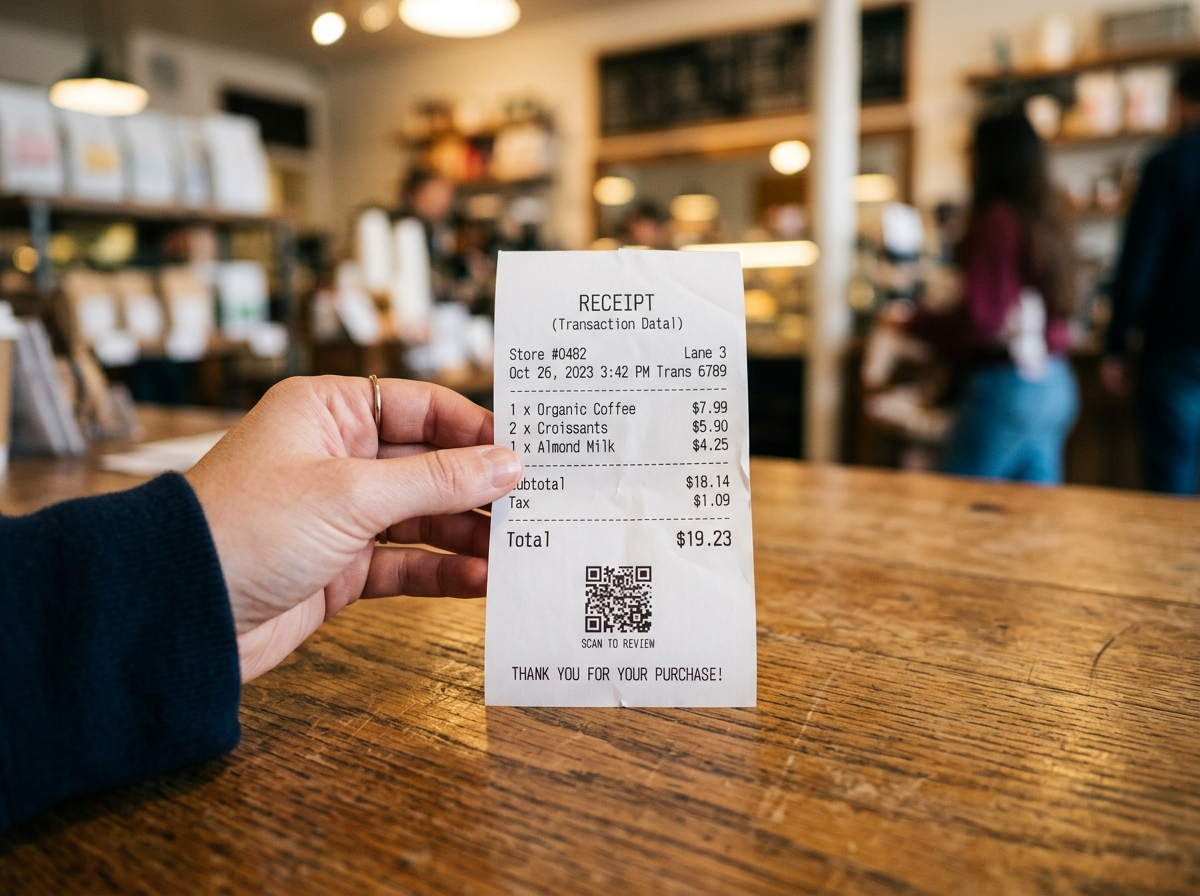
QR codes placed on product packaging, receipts, in-store displays, or event materials route customers directly into a WhatsApp chat with a pre-filled message. Offline QR codes are particularly strong for retail and hospitality — a brand placing them on receipts in a 50-location chain can add thousands of opt-ins per month at near-zero acquisition cost. In email or SMS, an embedded QR code or wa.me link to "move the conversation to WhatsApp" converts at 10–20% of recipients who click.
French retailer Carrefour saw a 35% increase in engagement compared to email catalogues after routing customers from in-store QR codes to WhatsApp, per industry benchmarks.
6. Email or SMS migration campaigns
Conversion rate: 8–18% of existing subscribers
If you already have an email or SMS list, a migration campaign — "Continue this conversation on WhatsApp for faster replies" — can move 8–18% of existing subscribers to the higher-engagement channel. The value proposition needs to be explicit: faster order support, exclusive deals, or content that lives only on WhatsApp. The welcome message sent after the migration opt-in must still include proper consent language.
7. Voice IVR
Conversion rate: 5–12% of callers offered the option
Interactive voice response is effective for businesses with high inbound call volume: telcos, banks, insurance providers, utilities. A prompt at the end of a support call ("Press 2 to receive your case summary and future support on WhatsApp") captures consent in a context where the customer is already engaged. The IVR system logs the keypress as the consent record. Conversion rates of 5–12% of callers offered the prompt are realistic without any additional incentive.
8. Customer service / live agent handoff
Conversion rate: 25–45% when offered at resolution
A human agent or chatbot asking "Would you like to continue updates via WhatsApp?" at the close of a support interaction converts at 25–45%, according to industry operator data. This is the highest-intent moment outside of checkout — the customer just had a positive (or resolved) support experience. Timing matters: ask at resolution, not at the start of the conversation.
9. ATM, banking apps, and kiosk prompts
Conversion rate: 3–8% of customers shown the prompt
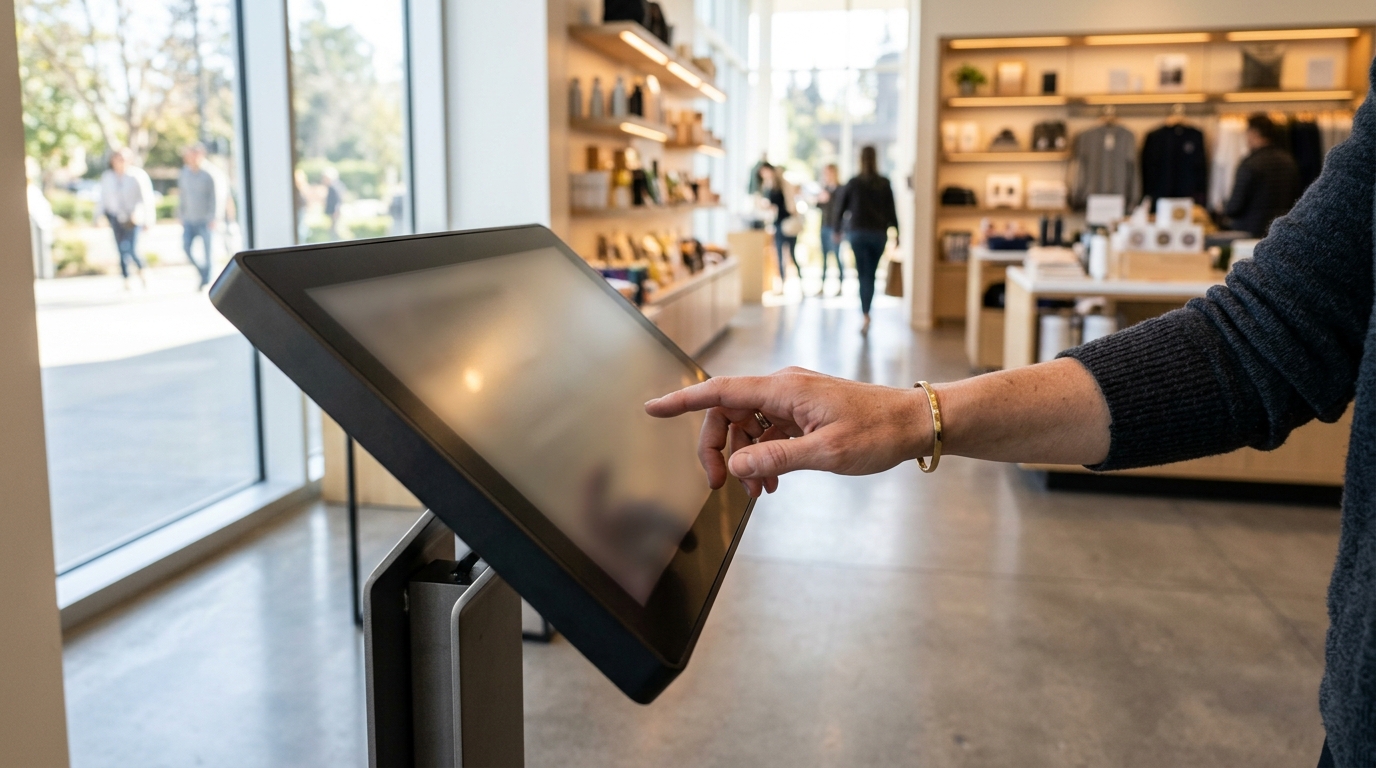
Banks, utilities, and government services increasingly use ATM screens and in-app prompts to collect WhatsApp consent for account alerts and service notifications. The conversion rate is lower (3–8%) because the proposition is narrower (account alerts, not promotions), but the resulting list is highly engaged and has very low unsubscribe rates.
How to write opt-in language that passes Meta's wording requirements
Meta's opt-in language requirements come down to six words: who, what, where, why, how much, and how to stop. Your consent prompt needs to identify your business, name WhatsApp as the channel, describe the message types, indicate frequency, and include an opt-out instruction — all before the user taps agree.
Here is the Meta-compliant structure:
"By checking this box, you agree to receive [message types: e.g., order updates, promotions, restock alerts] via WhatsApp from [Business Name]. Message frequency varies. Reply STOP to opt out."
Three things that disqualify your consent language:
- Pre-checked boxes — The user must actively opt in. A pre-checked checkbox is not valid consent under Meta policy or GDPR.
- Bundled consent — "I agree to the Terms of Service and to receive WhatsApp messages" in a single checkbox violates GDPR's specificity requirement. WhatsApp consent must be a separate, standalone action.
- Generic channel language — "Receive mobile updates" or "text message notifications" does not satisfy the requirement to name WhatsApp specifically.
The frequency disclosure does not need to be exact. "Message frequency varies" is acceptable; "Up to 4 messages per month" is better for user experience.
Double opt-in on WhatsApp Business API: when is it mandatory?
Double opt-in (DOI) is a two-step consent flow: you send a template asking the user to confirm ("Reply YES to subscribe"), and they become a confirmed opt-in only after replying. Meta does not globally mandate double opt-in — a single opt-in is sufficient if the four required elements are present. However, DOI is effectively required for businesses operating under GDPR in Germany, Austria, and the broader EU where burden-of-proof for consent is highest.
The DOI flow works as follows:
- User submits their phone number through one of the nine channels above
- They receive a Meta-approved template message: "By replying YES, you agree to receive marketing and/or informational messages from [Company]. Reply STOP to opt out."
- Upon replying YES (or JA, OUI, SÍ — the keyword list covers major languages), the subscription confirmation sends and they're active in your list
In testing by outdoor apparel brand Jack Wolfskin (per hello-charles.com), 90% of users who received a double opt-in request completed it — meaning the drop-off from single to double opt-in is far lower than most marketers fear, particularly when the welcome message makes the value prop clear.
When DOI is worth implementing regardless of legal requirement: any list you plan to use for high-frequency marketing sends, any audience segment you acquired via a broad lead-gen campaign where intent quality is mixed, and any migration from a channel (email, SMS) where your consent records are more than 18 months old.
How a CTWA ad creates a compliant opt-in automatically
A click-to-WhatsApp ad turns an ad click into an opt-in event — but only if you configure the welcome message correctly. The click itself is implicit consent for the immediate session. To make it a durable opt-in for future marketing templates, you need explicit confirmation inside that first conversation.
Here is the compliant CTWA opt-in flow:
- User sees your Facebook or Instagram ad and taps the "Send Message" button
- WhatsApp opens with a pre-filled message (you define this in Ads Manager). The user taps send.
- Your automated welcome message fires immediately: "Hi! Thanks for reaching out to [Brand]. To send you updates, exclusive offers, and [content type] on WhatsApp, just reply YES — or reply STOP at any time to opt out."
- User replies YES → they are a confirmed opt-in subscriber
Why CTWA is powerful beyond the opt-in: the conversation that opens is classified as a service/entry-point window under Meta's post-July 2025 per-message billing model. Per the WhatsApp Business API pricing breakdown, the 72-hour window that opens from a CTWA click carries no template message cost — all message categories send free during that window. That means your first follow-up nurture sequence (within 72 hours) costs nothing in conversation fees.
CTWA ad cost benchmarks: cost per conversation ranges from €1.50 to €8.00 depending on vertical and audience targeting, per Chatarmin's 2026 KPI report — roughly 2–3x the cost of a website click but with a 35–55% conversation rate versus 2–5% for standard click-to-website.
WhatsApp website opt-in widget: implementation without killing page speed
Adding a WhatsApp signup widget or floating button to your website requires one JavaScript snippet — but unoptimized third-party chat widgets are among the top causes of Core Web Vitals failures. Here is how to add WhatsApp opt-in collection without hurting your Lighthouse score.
Option 1: Native checkbox + wa.me redirect (zero JS overhead)
The lightest implementation requires no third-party script at all:
- Add a phone number field and a WhatsApp consent checkbox to your existing form
- On submit, store the number with a consent timestamp in your CRM
- Trigger a wa.me link open to initiate the opt-in confirmation message
No widget to load. No Core Web Vitals impact. The trade-off: the user experience is two-step (form submit, then WhatsApp opens).
Option 2: Lazy-loaded floating button
If you want the floating WhatsApp icon, load it with loading="lazy" or defer the script until after the LCP event fires. Use Intersection Observer to only initialize the widget when it scrolls into view. This prevents the third-party script from blocking render.
Option 3: Dedicated opt-in landing page
For CTWA campaigns and paid traffic, a standalone /whatsapp-signup landing page with a single-focus form (phone number + consent checkbox + submit) consistently outperforms embedded widgets. No competing CTAs, no navigation. Treat it like a squeeze page: headline states the value, subhead states the message frequency, button says "Subscribe on WhatsApp."
For site-wide deployment, Blueticks's campaign management tools handle list segmentation, scheduling, and opt-out processing in one place — so you don't need to stitch together separate tools for consent recording and send scheduling.
What changed in April 2025 — and what you need to do today
April 2025 was the single largest policy shift in WhatsApp Business Platform history. Three changes hit simultaneously, and any one of them can pause your campaigns or damage your quality rating if you haven't adapted.
Change 1: Marketing templates to US numbers are paused
Since April 1, 2025, marketing template messages to US phone numbers (+1) are not delivered, per Meta's platform documentation (sourced from GoHighLevel's platform changelog and Cheerio AI's breakdown). Only utility templates (order confirmations, shipping updates, appointment reminders) and authentication templates continue to function for US recipients.
This is not a ban on WhatsApp Business in the US — service conversations (user-initiated, 24-hour window) still work normally. But if you are running broadcast marketing campaigns to a US list, those messages are silently undelivered. The platform returns no error on your end that looks like a ban; messages simply don't reach US numbers.
What to do: Segment your list by country code. Redirect US contacts to utility flows (transactional triggers) or email for marketing content. If your product or service requires US marketing outreach, monitor Meta's official changelog for when the pause lifts.
Change 2: The 2-marketing-messages-per-day cap
Meta implemented a platform-wide cap: each user can receive approximately 2 marketing template messages per day across all businesses combined. This is not 2 messages from your brand — it is 2 total from every WhatsApp-connected business that user receives messages from.
When the cap is hit, your template returns error code 131049 ("Marketing limit reached for this user"). Retrying immediately fails. The cap resets at the next calendar day.
The practical implication: brands sending daily broadcast blasts are hitting this cap for a meaningful percentage of their list. Per Chatarmin's analysis, one well-timed personalized message achieves more than three generic blasts — not just in engagement terms, but because the third blast simply isn't delivered.
Change 3: One-click unsubscribe is now required in all marketing templates
Every marketing template submitted after April 2025 must include an opt-out mechanism. The platform-standard implementation is a footer line: "Reply STOP to unsubscribe."
The implementation steps for existing templates:
- Go to your Meta Business Manager → WhatsApp Manager → Message Templates
- Edit any marketing template missing the footer
- Add a footer component with "Reply STOP to unsubscribe" (or equivalent in your primary language)
- Resubmit for approval — approval time is typically 1–3 hours for template edits
Templates that include the opt-out footer also perform better on Meta's quality sampling. Users who can easily unsubscribe are less likely to block your number, and blocks are the primary input to your quality rating score.
To handle unsubscribes programmatically, configure a webhook to receive the messages.statuses event with type: "user_preference_change" — this fires when a user opts out via the platform preference panel (the "Offers and announcements" setting Meta rolled out alongside the April changes).
Managing, segmenting, and re-permissioning your opt-in list at scale
A compliant opt-in list is not a static asset — it degrades. Phone numbers churn, opt-out events accumulate, and consent records become stale if you don't timestamp and version them. Managing a list above 10,000 contacts requires three operational practices: segmentation by acquisition channel, consent record timestamping, and periodic re-permission campaigns.

Segmentation by acquisition channel
Different channels produce different audience quality. A CTWA list from a broad "win a prize" campaign has much lower engagement quality than a checkout opt-in list from buyers who shipped in the last 90 days. Segment these audiences from day one and track their quality metrics separately: reply rate, block rate, and error 131049 frequency. Your checkout opt-in list should have a block rate under 0.5%; your QR code / lead-gen list may run 2–5%.
Blueticks's campaign tools let you tag opt-ins by source at collection time and filter audience segments when scheduling sends, so you can apply different message frequencies to different cohorts.
Consent record timestamping
Store three fields with every opt-in record: the phone number, the consent timestamp (ISO 8601), and the collection source (checkout, CTWA, popup, etc.). This data becomes your defence under GDPR audits and Meta policy disputes. When a user claims they never opted in, you need to produce the exact timestamp and the form/ad they came through.
Re-permission campaigns
Any contact you haven't messaged in 180+ days should go through a re-permission flow before your next broadcast. The flow:
- Send a single utility or authentication template (outside the marketing cap) reminding them of your brand
- Ask them to reply YES to continue receiving messages
- Archive non-responders after 7 days
Interakt's analysis of WhatsApp API usage found that list hygiene — removing or re-permissioning stale contacts — is the single highest-leverage action for improving quality ratings and avoiding campaign pauses. A list of 5,000 active, recently re-permissioned contacts outperforms 50,000 cold opt-ins every time on both deliverability and quality score.
Frequently Asked Questions
Can I add customers to WhatsApp from my existing phone contacts without an opt-in? No. Uploading a contact list and sending them marketing templates without documented consent is a policy violation and will trigger account quality warnings. Every recipient must have actively opted in through one of the approved channels before you send any outbound template message.
What is the difference between a single opt-in and a double opt-in on WhatsApp? A single opt-in is a one-step process: the user checks a box or fills in a form and is immediately added to your list. A double opt-in adds a confirmation step: you send a template message asking them to reply YES before activating their subscription. Double opt-in is not required by Meta globally but is effectively mandatory for EU businesses under GDPR where you need documented, verifiable consent.
Does clicking a WhatsApp chat button on my website count as opt-in? Clicking a wa.me link or a WhatsApp chat button and sending a message counts as implicit consent for that specific conversation session — the 24-hour service window. It does not automatically constitute opt-in consent for future outbound marketing templates. You need to capture explicit consent during that first exchange before adding the contact to your marketing list.
What happens if I send marketing templates to US numbers after April 2025? Your templates will not be delivered to +1 US numbers. The messages will not throw an account-level error, but they simply won't reach the recipient. Utility and authentication templates continue to work normally for US contacts. Monitor Meta's developer changelog for updates on when the US marketing template pause is lifted.
How do I handle the error code 131049 when sending campaigns? Error 131049 means the recipient has hit the per-user daily marketing message cap (~2 messages across all businesses). You cannot retry the same recipient until the cap resets the following day. The correct response is to reduce send frequency, segment your most-engaged contacts for priority sends, and deprioritize cold or low-engagement contacts in high-volume broadcast campaigns.
Does Blueticks support one-click unsubscribe and opt-out handling? Yes. Install the Blueticks Chrome extension to manage opt-out processing, segment your list by consent source, and schedule compliant campaign sends — all from your existing WhatsApp Business account without needing to stand up a separate API integration.
Footnote: Conversion rate ranges in the 9-channels section are illustrative benchmarks drawn from Chatarmin's KPI report, hello-charles.com operator data, and general industry figures. Actual rates vary by industry, audience quality, and offer strength. Test with small sends before scaling.